
Is your desk feeling cluttered? Do you find yourself stacking books under your monitor just to get it to eye level?
A cluttered desk leads to a cluttered mind. The easiest way to reclaim your desk space and fix your posture is by using a Monitor Arm.
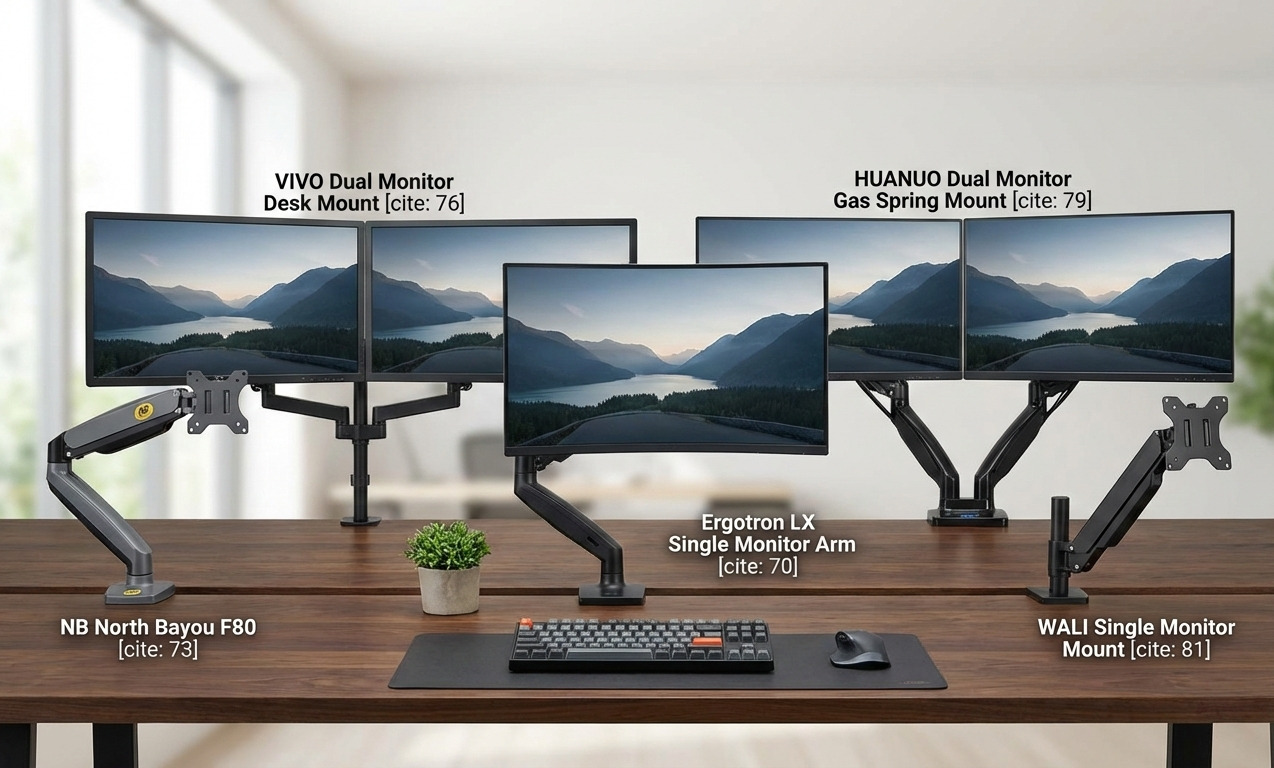
Unlike the bulky plastic stands that come with standard monitors, a monitor arm clamps to the back of your desk and lets your screen “float.” You can push it back, pull it forward, or rotate it instantly. In this guide, we have reviewed the 5 best monitor arms in 2026 for single and dual monitor setups.
Quick Top Picks: 5 Best Monitor Arms at a Glance
| Product Name | Product Image | Category | Why We Chose It | Buy Now |
| Ergotron LX Desk Mount | 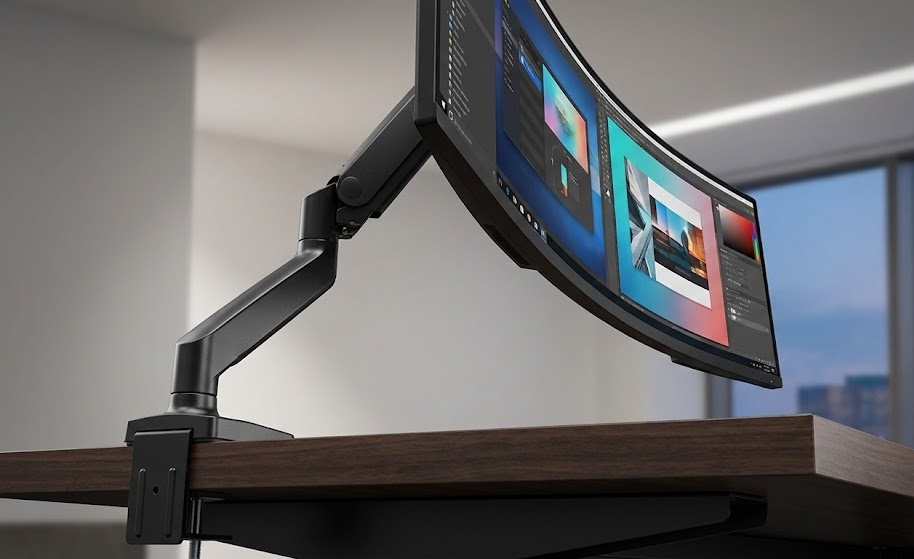 | 🏆 Best Overall | Premium quality. It won’t wobble or droop even after 10 years. | Buy Now |
| NB North Bayou F80 | 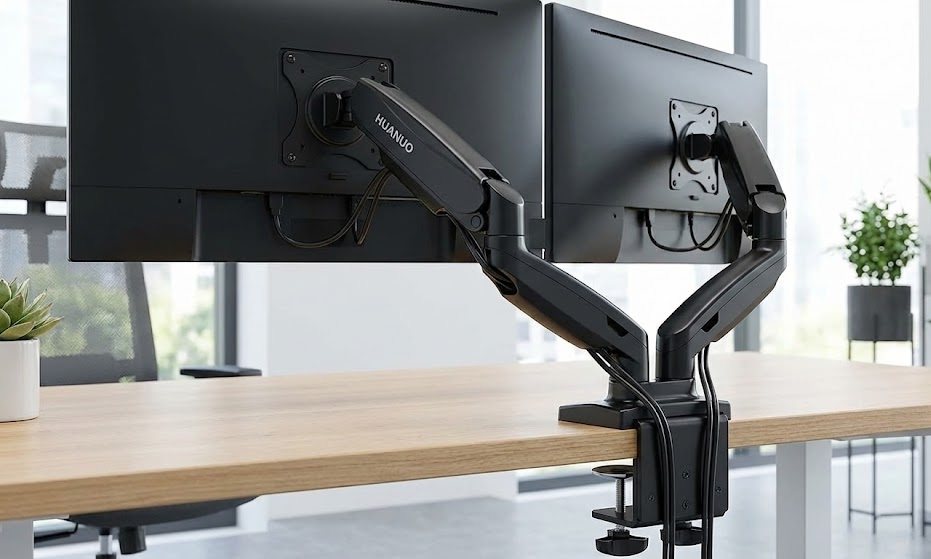 | 💰 Best Budget | incredibly smooth gas-spring movement for a very low price. | Buy Now |
| VIVO Dual LED Monitor Stand | 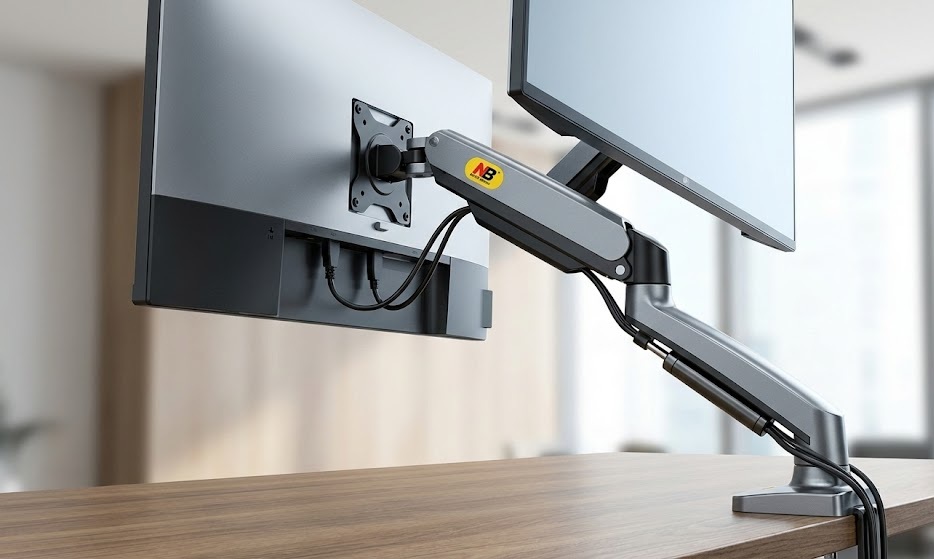 | 🖥️ Best Dual | The most popular and sturdy choice for holding two screens. | Buy Now |
| HUANUO Dual Monitor Mount | 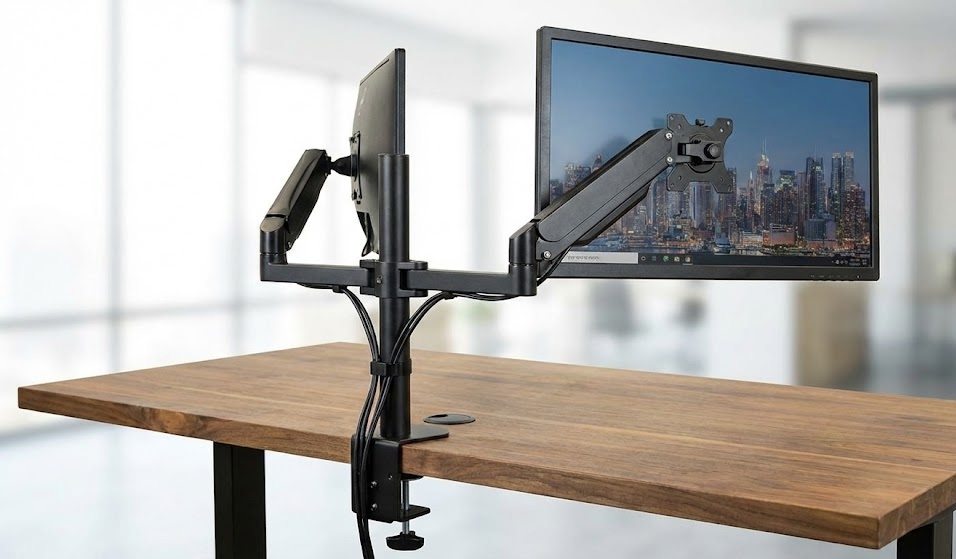 | 🔄 Best Gas Spring Dual | Allows you to move two monitors independently in any direction. | Buy Now |
| WALI Single Monitor Mount | 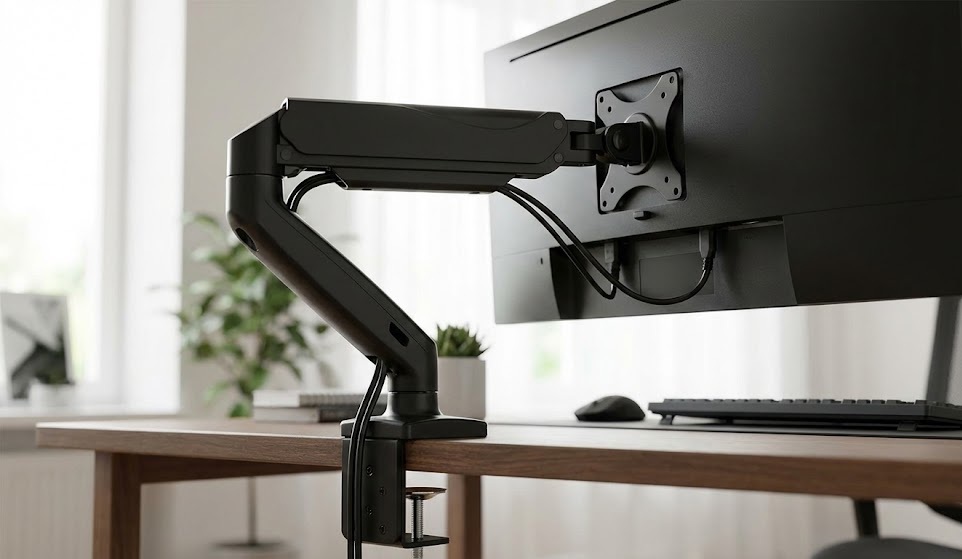 | 🧱 Best Basic | Simple, tall pole design. Rock-solid stability without complexity. | Buy Now |
1. Ergotron LX Desk Monitor Arm (Best Overall / Gold Standard)
Perfect for: Heavy users, designers, and professionals who want the absolute best.
The Ergotron LX is the “iPhone” of monitor arms. It is built with polished aluminum and uses patented “Constant Force” technology, meaning you can move the monitor with just one finger.
Why We Like It: Cheaper arms start to wobble or droop after a year. The Ergotron LX lasts a lifetime. It allows for a huge range of motion—you can even push the monitor completely out of the way when you need desk space for writing.
Pros: ✅ Extremely smooth movement (Patented technology). ✅ 10-year warranty. ✅ Sleek, premium polished aluminum look. ✅ Supports monitors up to 34 inches and 25 lbs.
Cons: ❌ Very expensive compared to others. ❌ Setup takes a bit of time.
Our Verdict: Buy it once, use it forever. If you have an expensive monitor, it deserves this arm.
2. NB North Bayou F80 (Best Budget Single Arm)
Perfect for: Students and anyone on a tight budget.
You don’t need to spend $150 to get a floating screen. The NB North Bayou F80 is incredibly popular because it offers gas-spring smooth movement for the price of a pizza.
Why We Like It: It looks and feels much more expensive than it is. It has a built-in cable management system to hide your wires. The gas strut allows you to adjust the height effortlessly.
Pros: ✅ Unbeatable price. ✅ Full motion (Tilt, Swivel, Rotation). ✅ Cable management channels included. ✅ Fits most monitors 17”-30”.
Cons: ❌ The plastic cover feels a bit cheap. ❌ Installing the clamp can be tricky on very thick desks.
Our Verdict: The best value-for-money upgrade for any desk setup.
3. VIVO Dual LED LCD Monitor Desk Mount (Best Dual Budget)
Perfect for: Coders, traders, or anyone using two screens.
If you use two monitors, desk space is precious. The VIVO Stand-V002 is a heavy-duty steel mount that holds two screens side-by-side perfectly.
Why We Like It: Unlike gas spring arms, this is a static steel pole. This means once you set the height, it stays there rock-solid. It is virtually indestructible and eliminates the gap between two monitors.
Pros: ✅ Very sturdy steel construction. ✅ Holds two screens up to 27 inches each. ✅ Saves a massive amount of desk space. ✅ Very affordable.
Cons: ❌ Height adjustment requires tools (not instant). ❌ Takes up some space behind the desk.
Our Verdict: Simple, strong, and effective. The standard choice for dual setups.
4. HUANUO Dual Monitor Gas Spring Mount (Best Adjustable Dual)
Perfect for: People who need to move their dual screens often.
While the VIVO mount is static, the HUANUO mount lets you move each monitor independently. You can have one screen vertical (portrait) for coding and the other horizontal (landscape) for videos.
Why We Like It: Each arm moves on its own. You can pull one screen closer to show a colleague something while keeping the other pushed back. The gas springs make adjustments buttery smooth.
Pros: ✅ Independent movement for each monitor. ✅ Supports Portrait/Landscape rotation easily. ✅ Two mounting options (Clamp or Grommet). ✅ Modern look.
Cons: ❌ Requires some space behind the desk to bend the arms. ❌ Cable management can be tricky with two arms moving.
Our Verdict: Maximum flexibility for multi-taskers.
5. WALI Single Monitor Desk Mount (Best Basic Option)
Perfect for: Set-it-and-forget-it users.
If you don’t need to move your monitor constantly and just want it off your desk, the WALI Single Mount is the answer. It uses a simple steel pole design.
Why We Like It: It is taller than most standard stands (16 inches), which is great for tall people. The metal plate is vented to keep your monitor cool. It is the most reliable option if you don’t care about fancy movements.
Pros: ✅ High pole for better ergonomics. ✅ Very easy to install. ✅ Rock-solid stability. ✅ Cheap and durable.
Cons: ❌ No instant height adjustment. ❌ Basic design.
Our Verdict: A no-nonsense solution to lift your monitor and save your neck.
Buying Guide: How to Choose the Best Monitor Arms
Before buying, check these 3 things to avoid disappointment:
1. VESA Compatibility: Check the back of your monitor. Does it have 4 screw holes in a square shape? That’s called a VESA mount (usually 75x75mm or 100x100mm). All the arms above need this. If your monitor doesn’t have holes, you can’t use an arm (without an adapter).
2. Weight Capacity: Monitor arms have a limit. If you have a huge 34-inch ultrawide monitor, do NOT buy a cheap arm. It will droop. Get the Ergotron LX. For standard 24-27 inch screens, any arm on this list will work.
3. Desk Thickness: These arms use a “C-Clamp” to grip your desk. Make sure your desk is not too thick (usually under 3-4 inches) and has a flat lip at the back for the clamp to grab.
Final Thoughts on the Best Monitor Arms
A Monitor Arm is one of those upgrades you don’t think you need until you get one—then you can’t live without it.
If you are on a budget, the NB North Bayou F80 is a miracle product. But if you want a professional, lifelong setup, the Ergotron LX is worth every penny.
Check Out:
5 Best Laptop Stands to Fix Neck Pain & Improve Posture (2026 Review)
5 Best Ergonomic Keyboards for Typing Comfort & Wrist Pain (2026 Review)
2 thoughts on “5 Best Monitor Arms to Save Desk Space & Reduce Neck Strain (2026 Review)”