
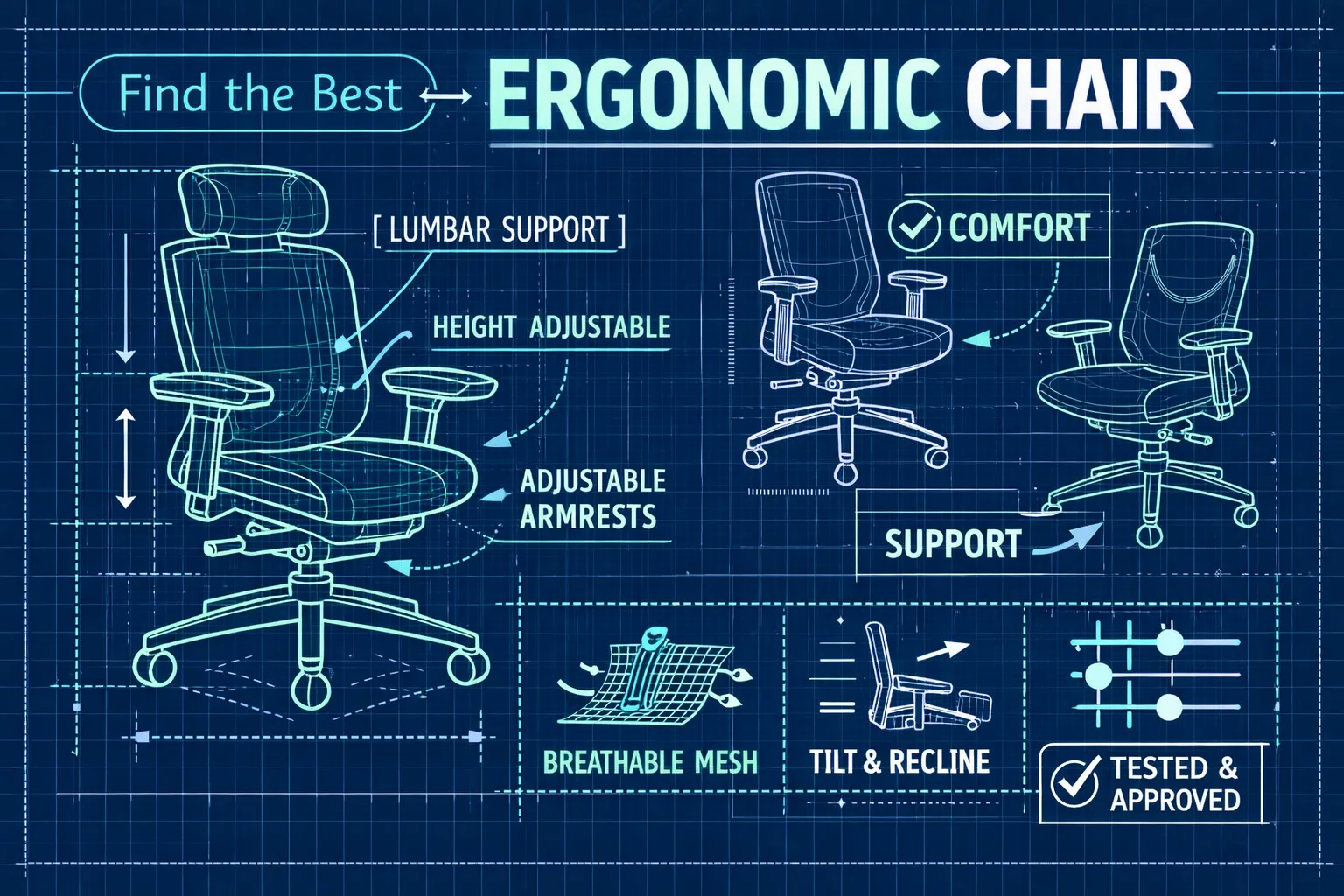
Choosing the best ergonomic task chair can change how you work by improving focus, cutting aches, and reducing posture breaks. We tested key features, including adjustability, lumbar travel, materials, price, and warranty, to help you compare office and desk task chairs and find one that fits your work style. The guide focuses on chairs that provide consistent lumbar contact and comfortable support through long, focused sessions.
Quick summary
Use these quick checks to narrow options before you test chairs in person. They help you focus on adjustments that directly affect comfort and concentration.
- Prioritize lumbar adjustability, using adjustable height and depth or a dynamic system that keeps contact as you move.
- Measure fit first: record popliteal height and buttock-to-knee length, then match seat height, depth, and elbow height so wrists stay neutral at your desk.
- Consider size and capacity: taller or heavier users need longer seat depth and stronger bases; choose scaled models when needed.
- Understand price tiers: under $200 provides basic mesh and lumbar shaping, $200 to $700 adds seat depth and tilt control, and higher-end chairs bring dynamic systems and premium materials; buy the features you’ll actually use.
- Do a two-minute trial: set height and lumbar, type for two minutes, and prefer chairs with clear trial or return policies.
Best ergonomic task chair picks for focus-intensive work
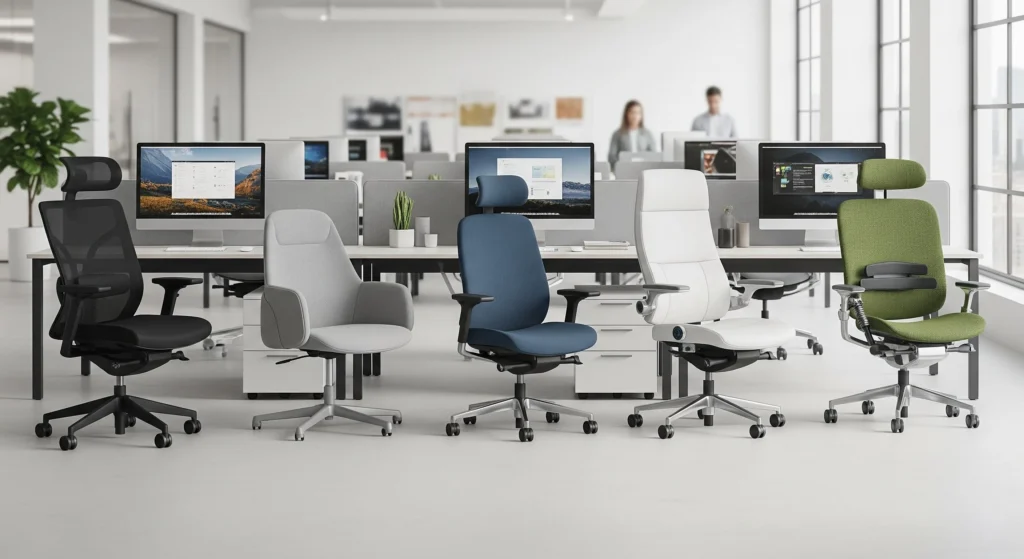
These chairs balance adjustability and comfort for long, focused sessions. Each model below met our criteria for lumbar support, seat depth, and stable tilt in hands-on testing.
The Steelcase Amia is our top versatile pick because its LiveLumbar height adjustment and multi-axis arm controls let you lock in a comfortable posture without pressure points. Its tilt mechanism is robust and easy to fine-tune, and the warranty coverage makes it a sensible long-term purchase. Choose the Amia if you want dependable lumbar support and a chair that adapts to daily, uninterrupted work.
On a tighter budget, the Branch Task offers adjustable lumbar and a multi-lock tilt for roughly $279 to $299, delivering solid value for remote workers and office professionals (see our best ergonomic chair for working from home guide for similar options).
The ProtoArc EC200 is a rare mesh task chair under $200 in our roundups; it includes sliding seat depth and usable lumbar support but requires careful fit checks to avoid returns. If you need a low-cost option, verify seat depth and lumbar travel before buying to save time and hassle.
Taller or heavier users should test big-and-tall models in person. Haworth Soji’s four-way arms and seat depth adjustment help maintain neutral hip and knee alignment, while HON Ignition focuses on thicker padding and higher weight capacity for stability. For marathon hours, premium choices like Haworth Fern or the Herman Miller Aeron add engineered back support and more breathable materials for heat management (see Haworth’s expert picks for back pain relief).
Next we cover the adjustments and setup steps that let you tune any of these chairs for uninterrupted focus and reduced fatigue. Follow the steps below to convert adjustability into usable comfort during long work sessions.
Which chair features actually improve focus and reduce back pain
Focus comes from fewer distractions and steady support. The features below most directly reduce lower-back strain and keep attention from drifting during long work blocks. This aligns with existing research on office ergonomics and back pain.
Lumbar support should be the first feature you check. Set lumbar height so it meets your lower back at belt level and verify support while reclining and returning upright. A lumbar system that follows motion, whether adjustable height and depth or a dynamic support, reduces time spent fidgeting and helps you sustain attention. If lumbar placement slips when you move, the chair will prompt repeated adjustments instead of letting you focus.
Seat depth and cushion density control pelvic tilt and thigh support, which affect spinal alignment during long sessions. Aim for a seat pan that leaves about 1 to 2 inches of clearance behind the knee to avoid posterior knee pressure, and choose high-density foam that holds shape over time rather than plush padding that compresses quickly. Adjustable seat pans are ideal if you share a chair or if your leg length is outside the typical range. If the seat compresses within weeks, expect posture changes that will hurt focus and increase discomfort.
Tilt mechanisms let you shift posture without breaking concentration. A synchro or multi-lock tilt redistributes spinal load and reduces disc pressure while tension control tuned to your weight keeps transitions smooth. For focused work, look for upright support plus reliable two to four position locks so you can switch between typing and a more relaxed thinking posture without losing balance. A wobblier tilt reduces fine motor control when typing and can interrupt deep focus.
Adjustable armrests and headrests improve comfort during sustained tasks. Proper arm support keeps shoulders relaxed and wrists neutral during long typing sessions, and a headrest can support short micro-breaks that refresh attention. Choose breathable upholstery and durable finishes to reduce heat build-up and wear over time, which both affect comfort during afternoon work. Durable materials and easy-to-clean surfaces also reduce the chance of premature replacement from daily use.
How to match chair size, weight capacity and adjustments to your body
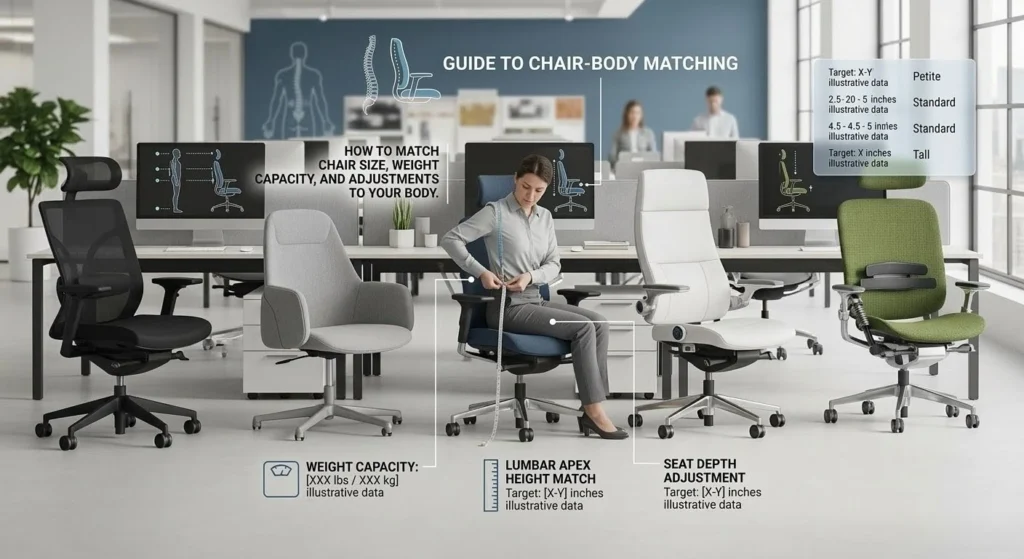
Measure before you buy to reduce returns and wasted time. Sit on a firm surface and measure popliteal height—the distance from the floor to the back of your knee with feet flat—and then measure buttock-to-knee length to determine seat depth. The goal is a seat pan that leaves about 1 to 2 inches of clearance behind the knee so circulation and thigh support remain balanced. These two numbers point you to the right seat-height range and pan size for your body.
Choose a rated weight capacity that protects the mechanism and cushion life. Look for at least 50 to 100 pounds of extra capacity above your weight so the gas lift and foam do not compress prematurely; for example, a 170-pound person should consider chairs rated for 220 to 270 pounds. If you need a task chair primarily for back support, prioritize reinforced bases, documented gas-lift testing, and firmer foam found in big-and-tall lines to keep adjustments accurate over years of use. These choices extend a chair’s functional life and keep adjustments consistent as foam settles.
Do a practical fit test in-store and, when possible, take a one- to two-hour at-home trial. Spend 10 to 15 minutes in the showroom dialing lumbar height, seat depth, arm reach, and tilt while working with your laptop or keyboard to simulate real tasks. If lumbar placement slips or you feel concentrated pressure in the seat within minutes, move on to another model. Real-time testing surfaces fit issues that measurements alone can miss.
Designer interview: how we built the Ergo Setup Lab task chair for focused work
The brief for our task chair focused on one goal: support long, focused work without adding new distractions. We prioritized continuous lumbar contact, a wide seat-depth range, and a quiet, stable tilt so posture shifts don’t interrupt concentration. Those priorities guided prototype decisions and set acceptance criteria for durability and comfort.
We emphasized a dynamic lumbar mechanism because moving support reduced lower-back loading in our tests. Sliding seat depth with multiple stops keeps thigh support consistent across a broad height range, and tuned foam density prevents early sinkage while preserving blood flow. Compact four-way arm adjustments allow micro-positioning without elbow collisions while typing, which is central to focused workflows.
Prototypes underwent pressure mapping, repeated tilt torque cycles, and full eight-hour user sessions with testers across sizes and use styles. We tracked lumbar contact time, seat sinkage over cycles, and tilt stability under load to make objective decisions about foam grade and mechanism specs. To try a prototype, reserve a session through our review page or sign up for a testing day at the Ergo Setup Lab.
Where to buy, compare and test ergonomic task chairs
Start local when possible. Manufacturer dealers and brand showrooms let you test mechanisms in person and often simulate office conditions, so bring your laptop and spend 10 to 20 minutes working in your usual posture. Online retailers can offer 30-day at-home trials, so read trial windows and return policies before you commit. Choosing a retailer with a clear return policy reduces the risk of a poor fit after a few days of use.
Cross-check hands-on reviews with independent durability tests, fabric rub counts, and long-term user reports rather than relying on a single opinion. Look for indicators such as warranty length, mechanism coverage, and pressure-mapping results to confirm whether premium materials deliver longer life. Ask about restocking fees, exchange policies, and whether returns are handled locally or through the manufacturer. Those details often decide whether a trial will be a smooth return or an expensive hassle. For broad comparisons, consult best office chair reviews to see a range of hands-on reviews and price tiers.
Final checklist: choose the best ergonomic task chair for your focused work
Do a two-minute fit check before you commit. Set seat height so your feet are flat, position any lumbar pad at belt level, sit upright and type for two minutes to feel immediate support. Slide the seat pan to confirm knee clearance and reach the armrests with relaxed shoulders; rule out any chair that causes pressure behind the knees or a lumbar gap within minutes. This quick test weeds out obvious mismatches and saves time on long trials.
Choose the best ergonomic task chair for focus
Picking the best ergonomic task chair for focus comes down to fit and the right features rather than trends. Measure your seated elbow height and seat depth, test how your current chair’s lumbar support feels at those positions, and compare those measurements with hands-on reviews and trial chairs (start with our How to Choose the Best Ergonomic Desk Chair guide). Shortlist two models that match your body and weight capacity, then use a generous trial or return policy to confirm improved comfort and sustained attention. Book a side-by-side test at a showroom or reserve a trial day at the Ergo Setup Lab to finish your decision with confidence.
1 thought on “How to Choose the Best Ergonomic Task Chair”