
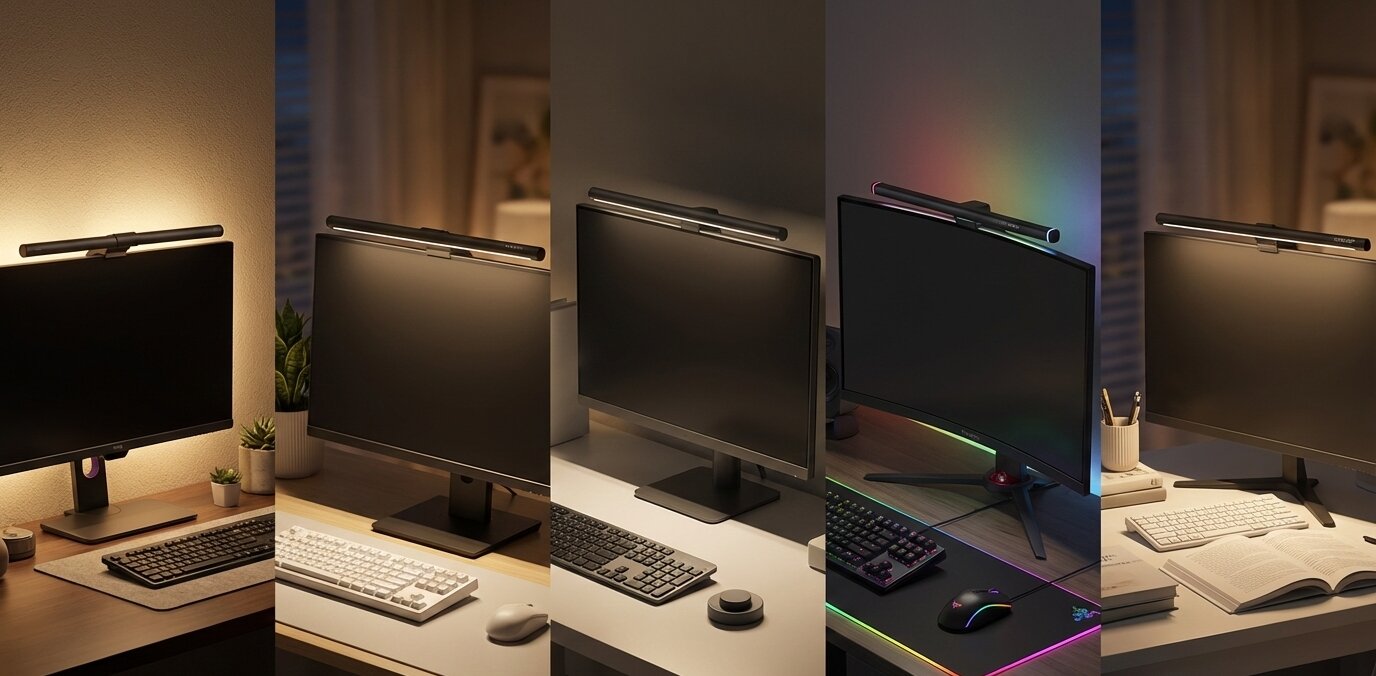
If you spend 8+ hours a day looking at a screen, you know the feeling: dry eyes, headaches, and blurred vision by the end of the day. This is often caused by “Computer Vision Syndrome,” exacerbated by poor lighting and screen glare. In 2026, the Monitor Light Bar has become an essential desk accessory for developers, designers, and writers.
At Ergo Setup Lab, we believe that lighting is just as important as your chair. Traditional desk lamps often take up valuable space and create annoying reflections on your screen. A monitor light bar solves this by sitting on top of your display and casting light downward onto your desk, not your screen.
We have selected the 5 best monitor light bars of 2026 designed specifically to eliminate glare, reduce eye strain, and add a premium aesthetic to your setup.
Quick Top Picks: Best Monitor Light Bars (2026)
| Product Name | Product Image | Category | Main Feature | Buy Now |
| BenQ ScreenBar Halo | 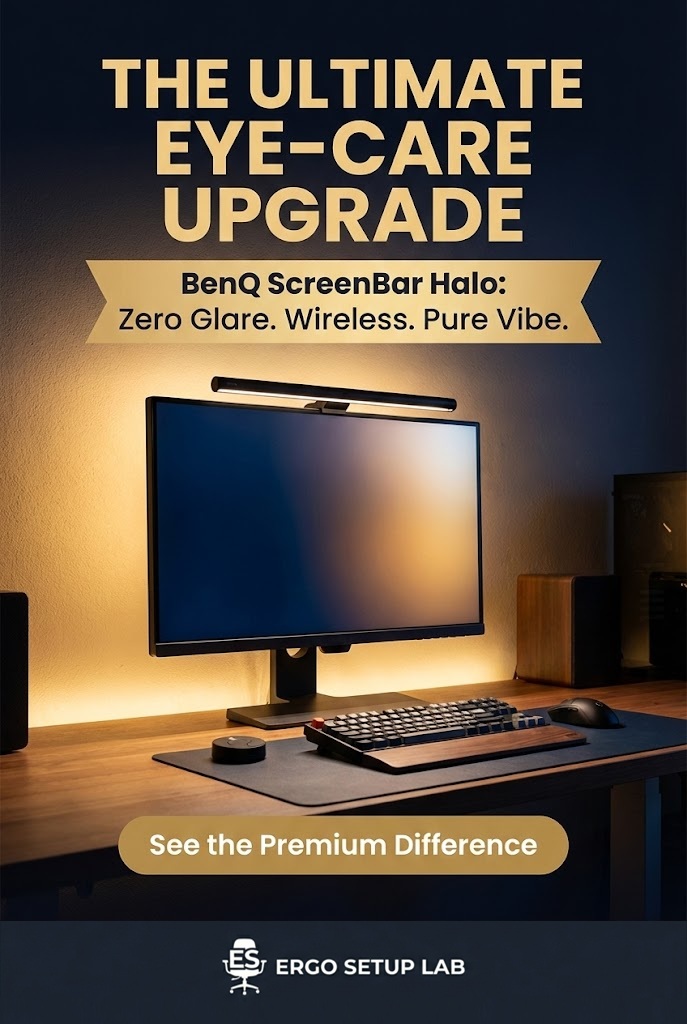 | Best Overall | Backlight & Wireless Puck | Buy Now |
| Quntis Monitor Lamp | 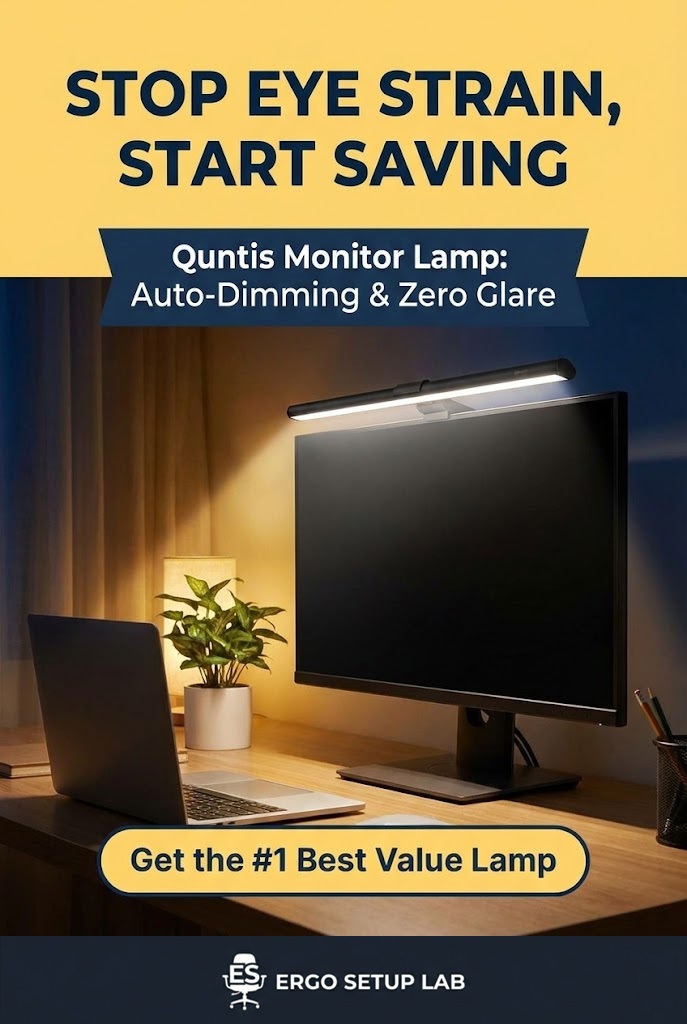 | Best Value | Auto-Dimming & High CRI | Buy Now |
| Xiaomi Mi Light Bar 1S | 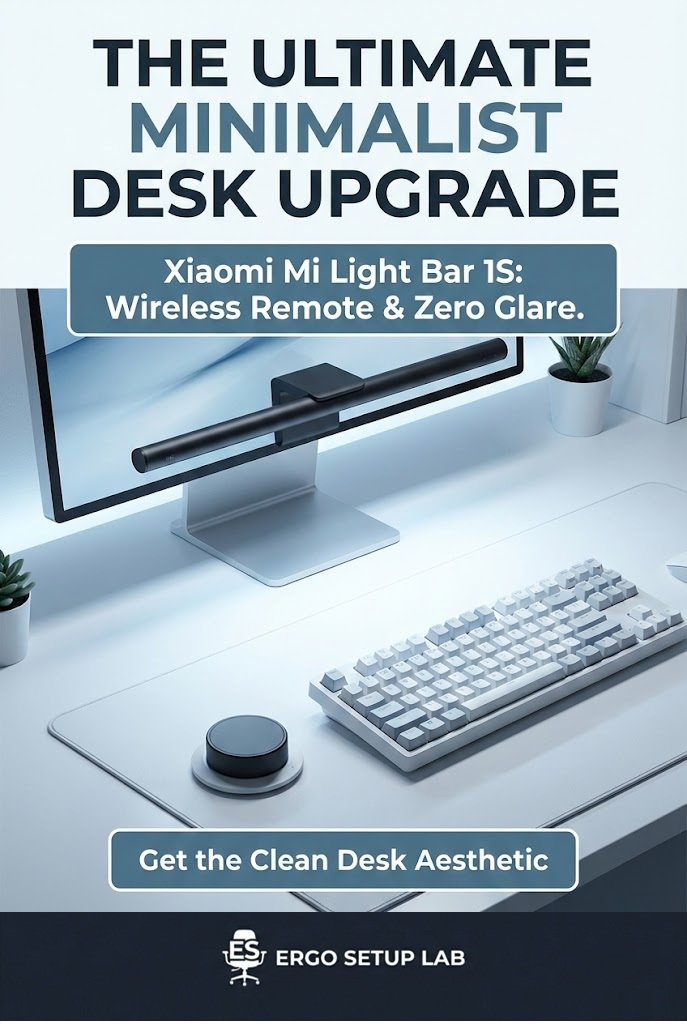 | Best Minimalist | Metal Body & Wireless Remote | Buy Now |
| Syrinx Monitor Light Bar | 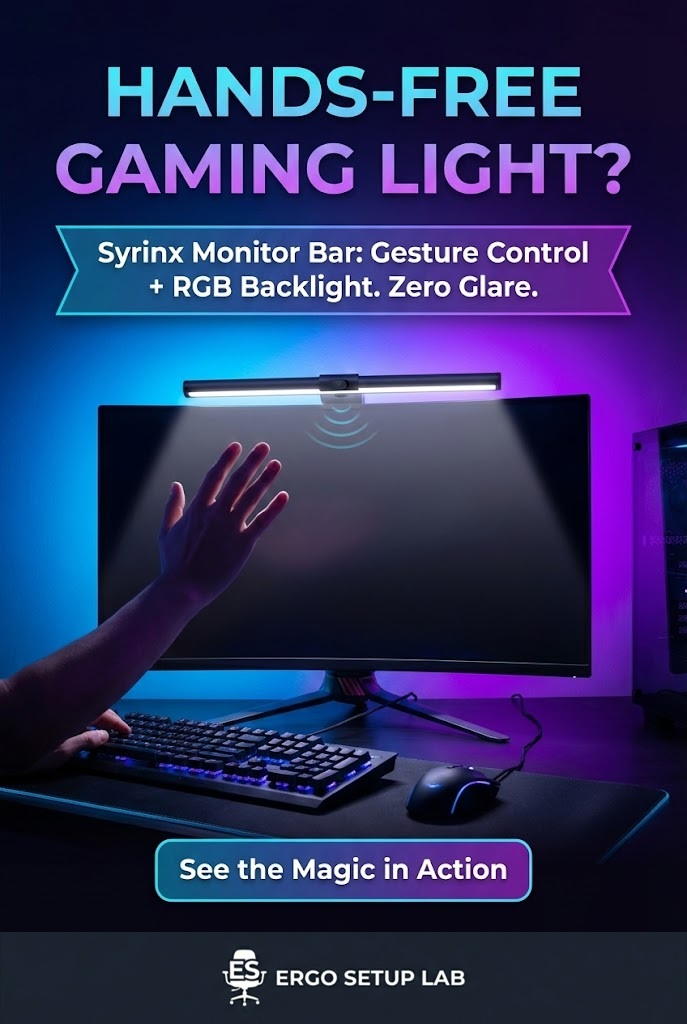 | Best for Curved | Fits R1000 Curvature | Buy Now |
| OOWOLF Computer Monitor Light | 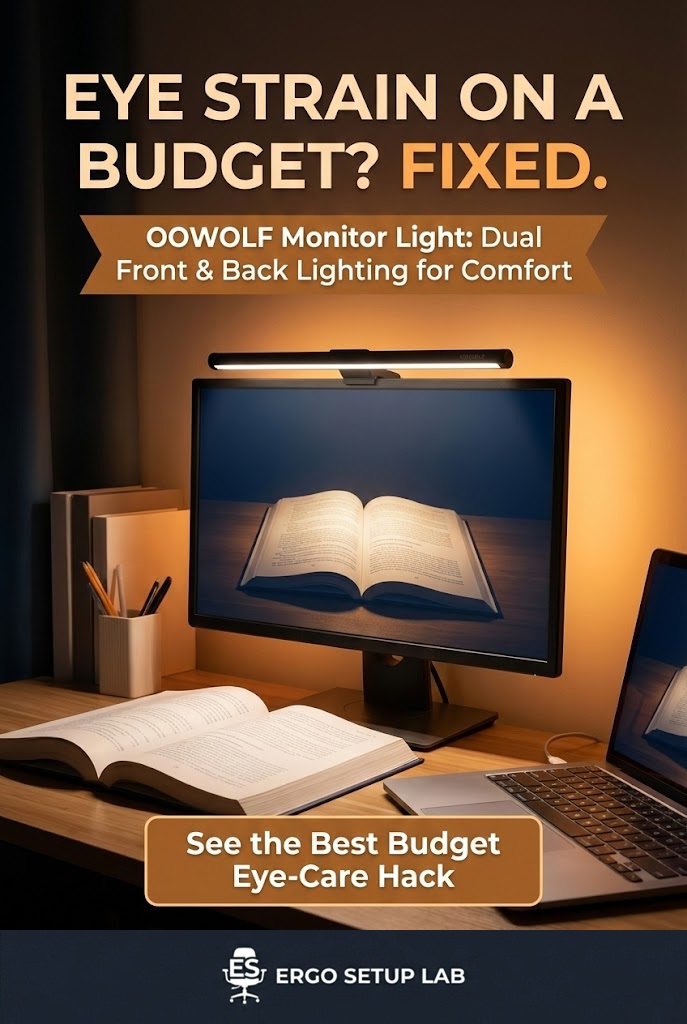 | Best Entry Level | Touch Control & USB-C | Buy Now |
In-Depth Reviews of the Best Monitor Light Bars
1. BenQ ScreenBar Halo (Best Overall)
The BenQ ScreenBar Halo is widely considered the “gold standard” of monitor lighting. It is the only light bar on this list that features a dedicated backlight (a light on the back of the bar) to illuminate the wall behind your monitor. This technique, known as “bias lighting,” reduces the contrast between your bright screen and the dark room, significantly lowering eye strain.
Why It’s a Winner: Unlike cheaper models, the Halo fits perfectly on both flat and curved monitors (1000R-1800R). It comes with a premium wireless controller “puck” that sits on your desk, allowing you to adjust brightness and color temperature without touching the bar itself. The patented asymmetric optical design ensures zero screen glare, even on glossy displays.
Specifications:
- Controls: Wireless Desktop Controller (Puck)
- Color Temp: 2700K – 6500K (Warm to Cool)
- Brightness: 1000 Lux (Center)
- Special Feature: Rear Ambient Light (Bias Lighting)
Pros & Cons: ✅ Pros: Premium build quality and fits almost any monitor. ✅ Pros: Wireless controller keeps your desk clean (no cables). ✅ Pros: Backlight feature creates a cozy, eye-friendly atmosphere. ❌ Cons: Significantly more expensive than competitors. ❌ Cons: The glossy controller can attract fingerprints.
Our Verdict: If budget is not an issue and you want the absolute best eye-care solution for your premium setup, the BenQ ScreenBar Halo is the undisputed king.
2. Quntis Computer Monitor Lamp (Best Value)
You don’t need to spend nearly $200 to get high-quality lighting. The Quntis ScreenLinear Pro is the best alternative to BenQ, offering 90% of the performance for a fraction of the price. It is specifically designed to block blue light and eliminate screen reflection.
Why It’s a Winner: The Quntis bar features an Auto-Dimming mode that uses a built-in sensor to adjust brightness based on your room’s ambient light. It boasts a high Color Rendering Index (CRI) of >95, meaning it shows colors accurately—perfect for designers. The weighted clip is stable and fits monitors with a thickness of 0.12” to 2.36”.
Specifications:
- Controls: Touch Sensor (Pro) or Remote (Pro+)
- Color Temp: 3000K – 6500K
- CRI: Ra >95
- Length: 15.7 inches (fits 15-22” monitors best)
Pros & Cons: ✅ Pros: Incredible value for money. ✅ Pros: Auto-dimming sensor works surprisingly well. ✅ Pros: Zero screen glare with 45° asymmetric optical design. ❌ Cons: The fit can be tricky on ultra-thin bezel monitors (may block a tiny bit of screen). ❌ Cons: Build quality is plastic/aluminum mix, not full premium metal.
Our Verdict: The perfect balance of price and performance. If you want a professional light bar without the premium price tag, Quntis is the smart choice.
3. Xiaomi Mi Computer Monitor Light Bar 1S (Best Minimalist)
The Xiaomi Mi Light Bar 1S is a favorite among tech enthusiasts for its sleek, minimalist design. It connects magnetically to the mount, allowing you to rotate the light bar up to 25 degrees to get the perfect angle. It is famous for its 2.4GHz wireless remote, which looks like a small, modern dial on your desk.
Why It’s a Winner: Xiaomi delivers premium metal build quality at a budget price. The wireless remote is a joy to use—simply rotate it to change brightness and press-and-rotate to change color temperature. It takes up zero desk space and uses a custom optical glass lens to ensure light falls only on your keyboard, not your eyes.
Specifications:
- Controls: Wireless 2.4GHz Remote Dial
- Color Temp: 2700K – 6500K
- Material: Aluminum Alloy
- CRI: Ra95
Pros & Cons: ✅ Pros: Best-in-class wireless remote included. ✅ Pros: Magnetic rotation mount is very satisfying and easy to adjust. ✅ Pros: Solid metal body feels much more expensive than it is. ❌ Cons: Does not have a backlight for the wall. ❌ Cons: Not designed for very thick or aggressively curved monitors.
Our Verdict: For users who love clean, minimalist aesthetics (like Apple or Mac setups), the Xiaomi Light Bar is the most stylish option.
4. Syrinx Computer Monitor Light Bar (Best for Gesture Control & RGB)
If you want a futuristic desk setup, the Syrinx Monitor Light Bar is the coolest option on this list. Unlike traditional bars that require physical buttons or remotes, this advanced lamp features Gesture Control technology. You can turn the light on/off simply by waving your hand—perfect for keeping your setup clean and fingerprint-free.+1
Why It’s a Winner: It is designed for both productivity and gaming. The front light provides eye-caring, anti-glare illumination for your work, while the RGB Backlight creates an immersive atmosphere for gaming or watching movies. The “Fit for All Screens” design means its weighted clip works on standard flat monitors and even many irregular shapes.
Specifications:
- Controls: Touch + Hand Gesture Sensor
- Light Source: Dual (Front White + Back RGB)
- Color Temp: Stepless Dimming (Warm to Cool)
- Special Feature: Hands-free ON/OFF wave control
- Mount: Fits Flat & Curved Monitors (Check thickness)
Pros & Cons: ✅ Pros: Gesture control feels high-tech and convenient. ✅ Pros: RGB Backlight adds a premium “gamer” aesthetic to your room. ✅ Pros: Asymmetrical optical design ensures zero screen glare. ❌ Cons: Gesture sensor can take a little practice to master perfectly. ❌ Cons: RGB modes are preset and cannot sync with PC software.
Our Verdict: For tech enthusiasts who love gadgets, the Syrinx light bar offers unique features like gesture control and RGB at a fantastic price. It’s a functional showpiece for your desk.
5. OOWOLF Computer Monitor Light (Best Entry Level)
The OOWOLF Monitor Light is the best replacement for the Baseus i-wok and serves as the ultimate entry-level option. It is famous on Amazon for offering premium features (like a backlight) at a budget-friendly price. It focuses on essential eye protection without breaking the bank.
Why It’s a Winner: Unlike other cheap models, the OOWOLF comes with a Dual Light Source design—it has the main light for your desk and a soft upper backlight to reduce contrast with the dark wall behind you. It boasts a high CRI of Ra95, ensuring that colors on your screen and desk look natural and vibrant.
Specifications:
- Controls: Touch Sensor on Right Side
- Light Source: Front (Desk) + Top (Ambient Backlight)
- Power: USB-C (5V/2A)
- CRI: Ra >95
Pros & Cons: ✅ Pros: The cheapest option that includes a backlight (Bias Lighting). ✅ Pros: Easy installation with a stable hinged clip. ✅ Pros: Memory function remembers your last setting. ❌ Cons: Wired touch controls can cause slight monitor wobble. ❌ Cons: Not suitable for very thick monitors (over 2 inches).
Our Verdict: The best “bang for your buck” for students. You get bias lighting (backlight) for the price of a standard lamp, which is a huge deal for eye comfort.
Why You Need a Monitor Light Bar
1. Eliminates Screen Glare
Traditional desk lamps cast light from the side or behind, often causing reflections on your screen. Monitor light bars use an asymmetrical optical design to cast light strictly downward onto your desk, ensuring zero glare on the glass.
2. Saves Desk Space
Since the bar mounts to the top of your monitor, you reclaim 100% of the desk space that a lamp base would usually occupy. This is perfect for small desks or minimalist setups.
3. Reduces Eye Strain (Bias Lighting)
Working in a dark room with a bright screen causes eye fatigue because your pupils constantly dilate and contract. A light bar illuminates the area around the screen, balancing the light and allowing your eyes to relax.
Buying Guide: What to Look For
- Asymmetrical Optical Design: This is the most important feature. Ensure the light directs downwards and not into your eyes or onto the screen.
- Color Rendering Index (CRI): Look for a CRI of Ra90 or higher. This ensures that the colors of objects on your desk (like papers or design proofs) look natural, not washed out.
- Control Method:
- Touch on Bar: Cheaper, but can wobble the monitor.
- Wired Remote: Reliable, but adds a cable.
- Wireless Puck: The most premium and convenient option (BenQ, Xiaomi).
- Fit & Compatibility: If you have a curved monitor or a monitor with an unusual back shape, ensure the clip is compatible (look for “Curved” specific models like MELIFO or BenQ Halo).
Final Thoughts
Your eyesight is irreplaceable. Investing in one of the best monitor light bars is a small price to pay for years of comfortable, strain-free work.
- If you want the absolute best for any monitor type, get the [BenQ ScreenBar Halo].
- If you want the best value with auto-dimming, the [Quntis Monitor Lamp] is unbeatable.
Ready to upgrade your entire setup? Check our review of the [5 Best Electric Standing Desks] or see our guide on [5 Best Ergonomic Office Chairs].
4 thoughts on “5 Best Monitor Light Bars to Reduce Eye Strain & Glare (2026 Review)”