
If you’ve got sciatica, you already know the exact chair position that sets it off. Sitting too upright for too long, hips tucked under a desk that’s slightly too high, weight pressing straight down through one side of the pelvis. That’s usually the piriformis muscle or the L4-L5 disc leaning on the sciatic nerve, and a bad chair does nothing but hold that position in place for eight hours a day.
By 10 a.m. it’s a dull ache in the glute. By 2 p.m. it’s shooting down the back of the thigh. By 5 p.m. you’re standing up every twenty minutes just to shake the leg out.
We get it, and we also get that most people searching for an ergonomic chair for sciatica aren’t looking to spend a thousand dollars finding out if a chair helps. You want something that actually targets the L4-L5 and L5-S1 region where sciatic compression usually starts, without gambling your whole paycheck on a brand you’ve never heard of.
So that’s what this guide does. We broke down six chairs currently sold on Amazon that specifically market lumbar systems built for lower back and sciatic nerve pain, looked past the marketing copy, and evaluated the actual mechanics: how the lumbar adjustment works, what the recline lock does to disc pressure, which seat materials hold up, and where each chair cuts corners you won’t notice until month four.
One thing before we get into it. No chair, no matter how many adjustment points it has, treats sciatica. What a well-built chair can do is stop making it worse during the hours you’re stuck at a desk. If your pain is severe, worsening, or comes with numbness that doesn’t go away, that’s a conversation for a doctor or physical therapist, not a shopping guide.
Setting Real Expectations for an Ergonomic Chair for Sciatica
Let’s talk about what these chairs are actually built from, because the word “ergonomic” gets slapped on a lot of products that don’t earn it.
Every chair on this list uses a version of the same basic architecture: a steel or nylon frame, a gas cylinder for height, a tilt mechanism for recline, and some kind of lumbar pad. What separates a chair that genuinely helps sciatic nerve pain from one that just looks the part comes down to three things. How precisely the lumbar system targets the L4-L5 region. Whether the recline mechanism actually locks at the angle that reduces disc load, instead of just tilting freely. And how the seat pan distributes weight across the hips and thighs, since uneven pressure there is often what compresses the sciatic nerve at the piriformis in the first place.
None of the six chairs here use a true synchro-tilt system, the kind you’d find on a Steelcase Gesture, where the seat and backrest move at different rates to keep your hips open as you recline. That mechanism runs well past what most of these chairs cost to produce. What you get instead is a tilt-lock system, where the whole chair reclines as one unit and locks at set angles. That’s not a dealbreaker for sciatica relief. Clinicians generally point to a 100 to 110 degree recline as the sweet spot for reducing lumbar disc pressure, and several chairs here lock precisely there.
Material choice matters more than shoppers usually realize, too. Mesh backs breathe and resist long-term sag since there’s no foam to compress, which matters because heat and static pressure both tend to aggravate inflamed nerve tissue. Foam seats, especially the thicker molded kind, spread hip and thigh pressure more evenly in the first hour of sitting, which is exactly the kind of pressure distribution that keeps weight off the sciatic nerve’s path near the glutes. Neither is universally better. It depends on your body type and how many hours you’re actually in the seat.
One more honest note. A handful of these listings cite specific numbers, like a 50 percent pressure reduction or a 40 percent drop in compression, tied to their lumbar systems. Those are manufacturer figures, not independently verified clinical data, so treat them as directional marketing claims rather than guarantees. We’ll flag where that matters as we go through each chair.
Quick Comparison Table
| Product | Product Image | Best For | Key Feature | Core Spec | Buy Now |
|---|---|---|---|---|---|
| CAPOT Ergonomic Mesh Office Chair | 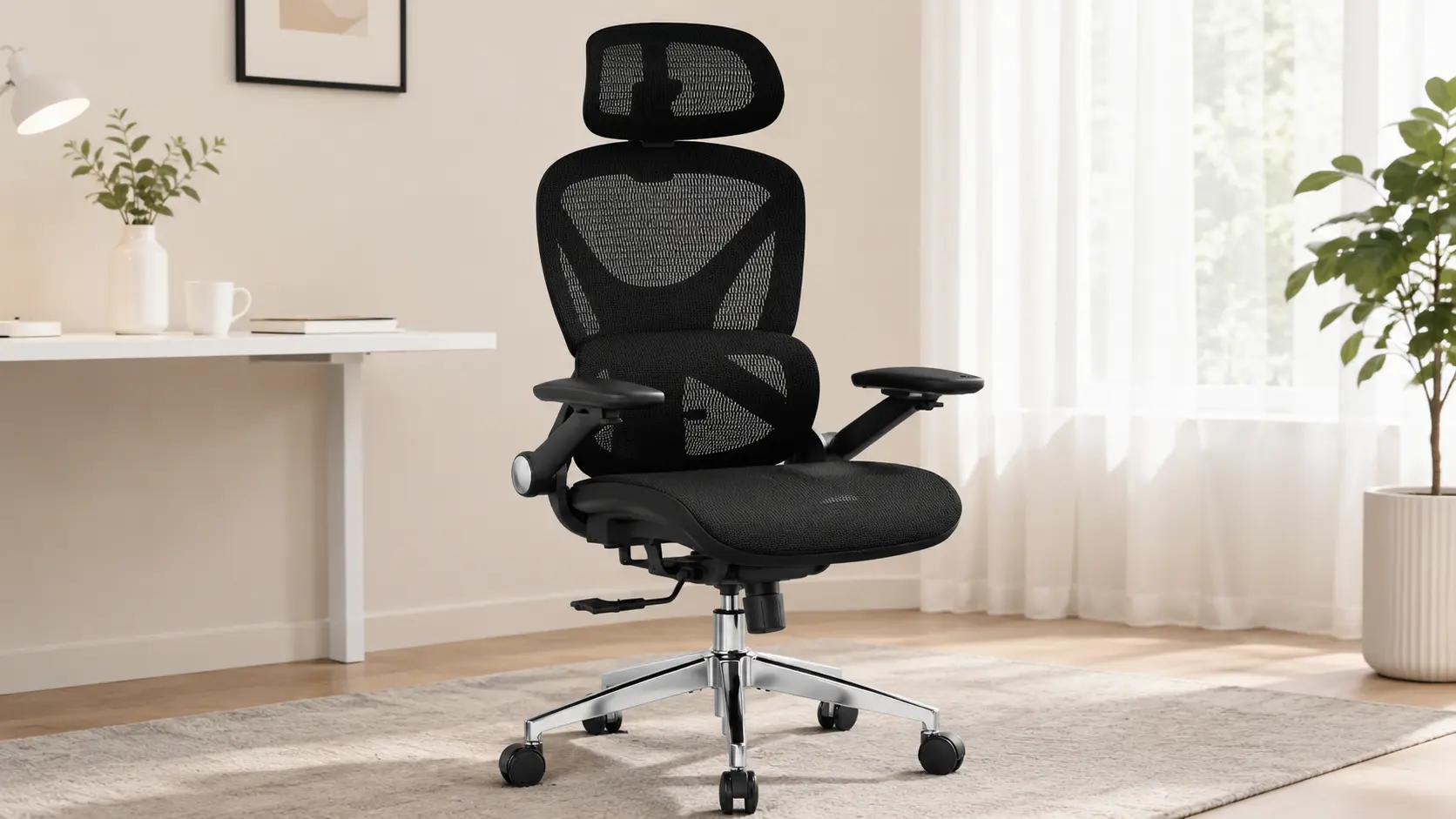 | Best overall value, most precise lumbar targeting | 8-level micro-adjustable lumbar (L1-L5) | 400 lb capacity, 5-yr warranty | 🛒Check Price on Amazon |
| CLOUVOU Ergonomic Office Chair | 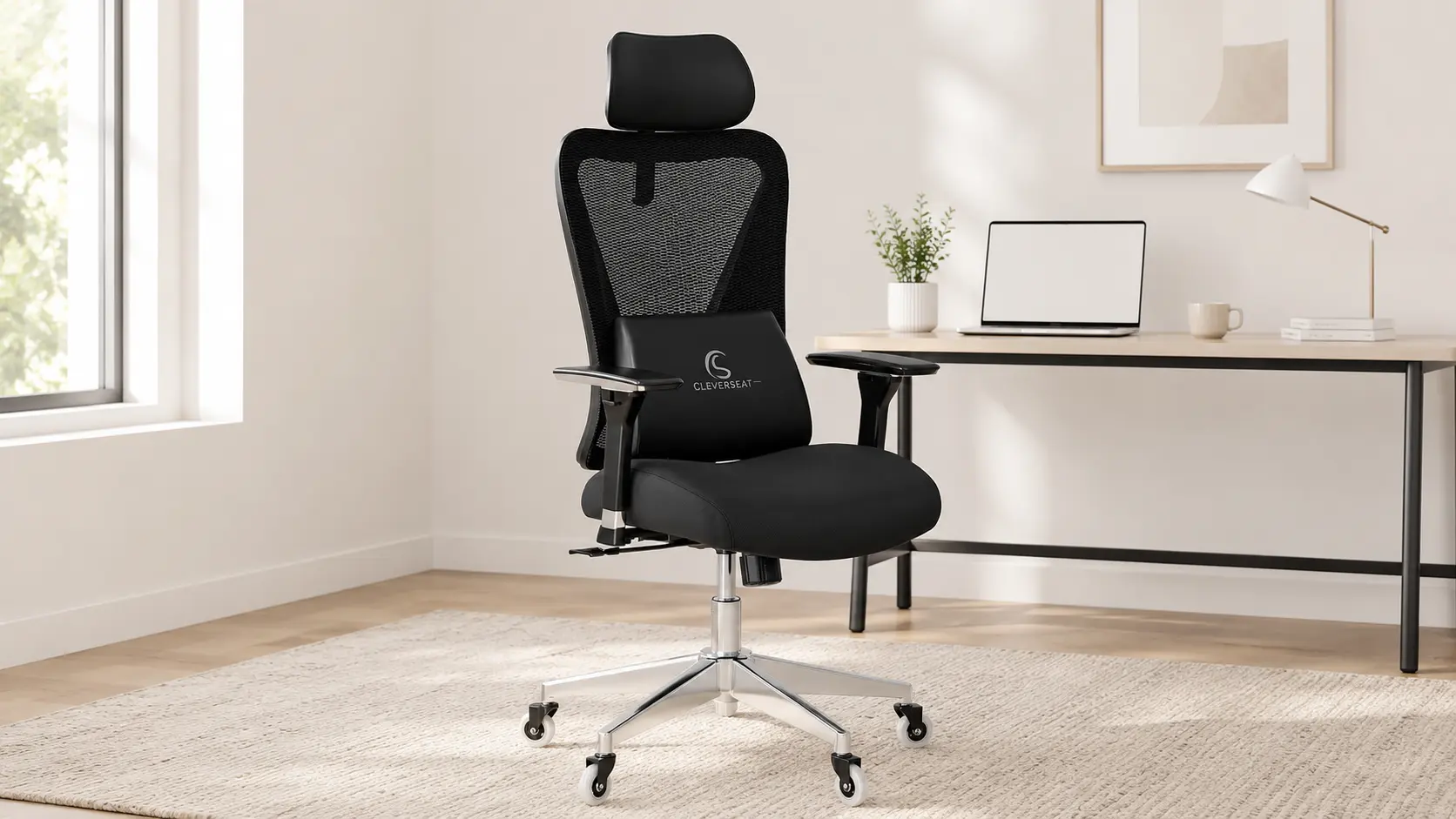 | Best all-around comfort, tall users | 4D armrests + 3D headrest | Supports users up to 6.5 ft | 🛒Check Price on Amazon |
| QLTPLUS Office Desk Chair for Long Hours | 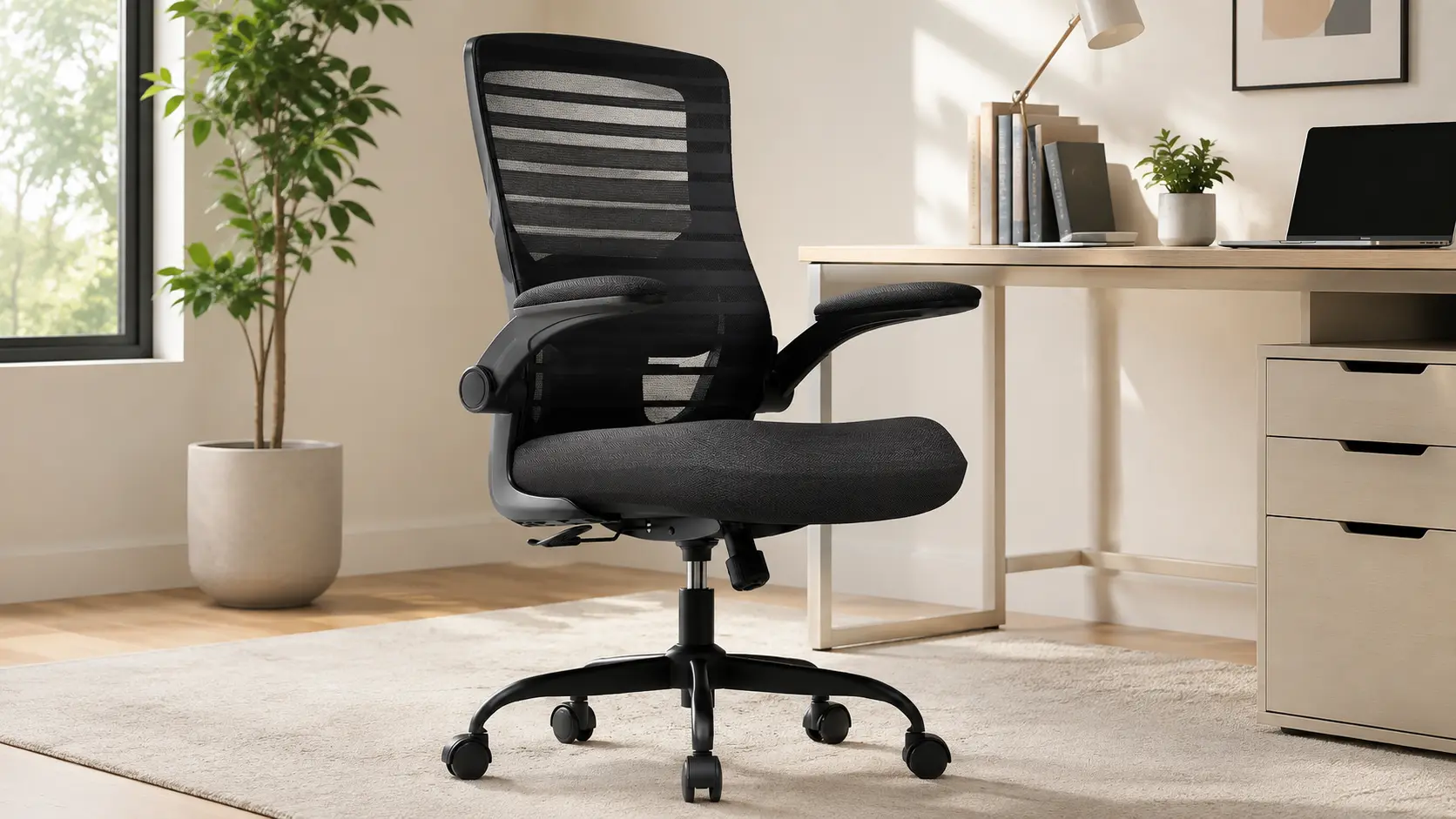 | Tightest budget, foam-seat preference | 4-inch molded foam + tilt-and-rock | 350 lb capacity, 5-yr warranty | 🛒Check Price on Amazon |
| SIHOO Doro C300 Ergonomic Office Chair | 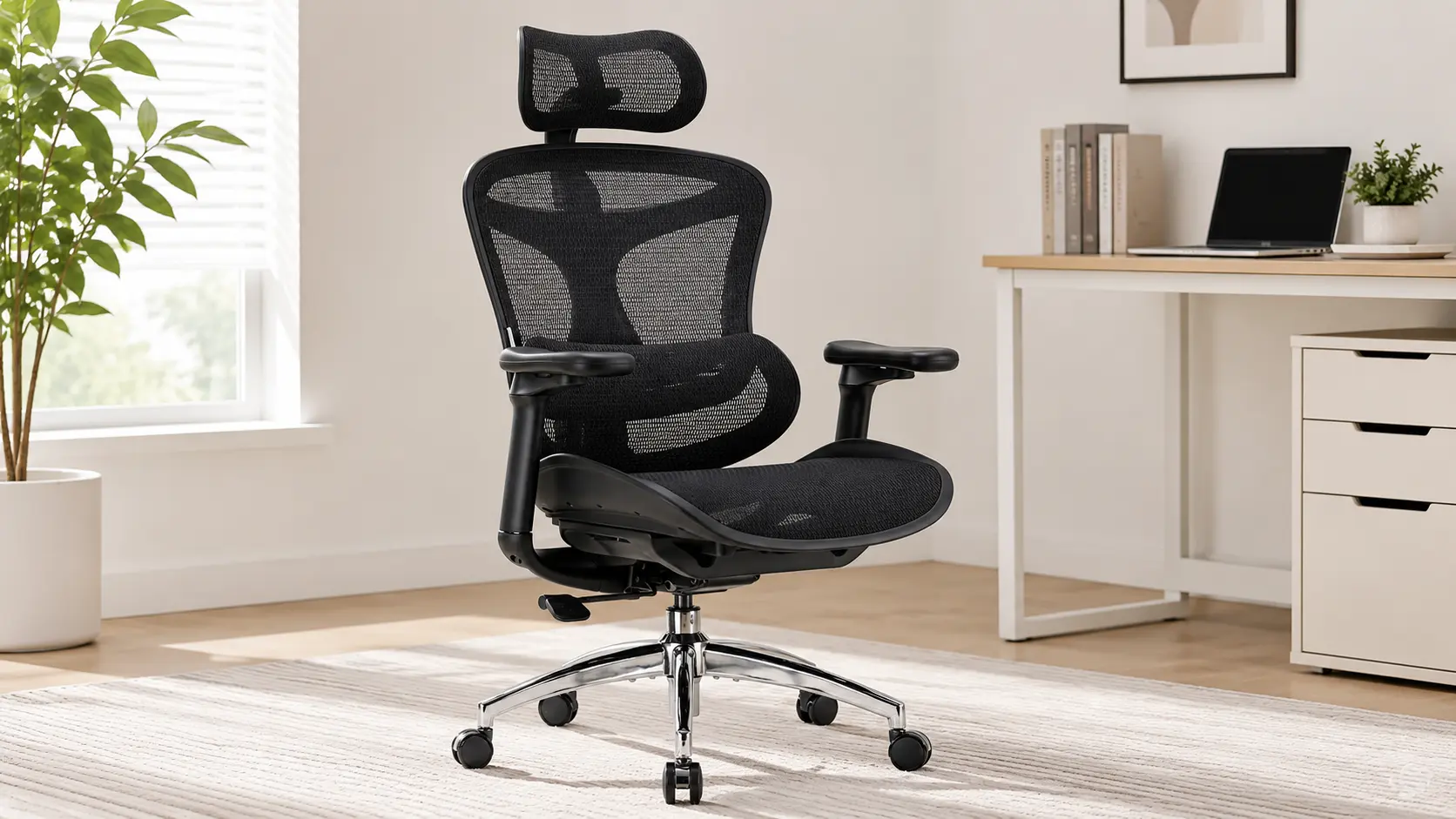 | Best auto-adaptive lumbar, mid-range | Domino auto-adaptive lumbar, 4-position tilt lock | 330 lb capacity, 3-yr warranty | 🛒Check Price on Amazon |
| Branch Ergonomic Chair Pro | 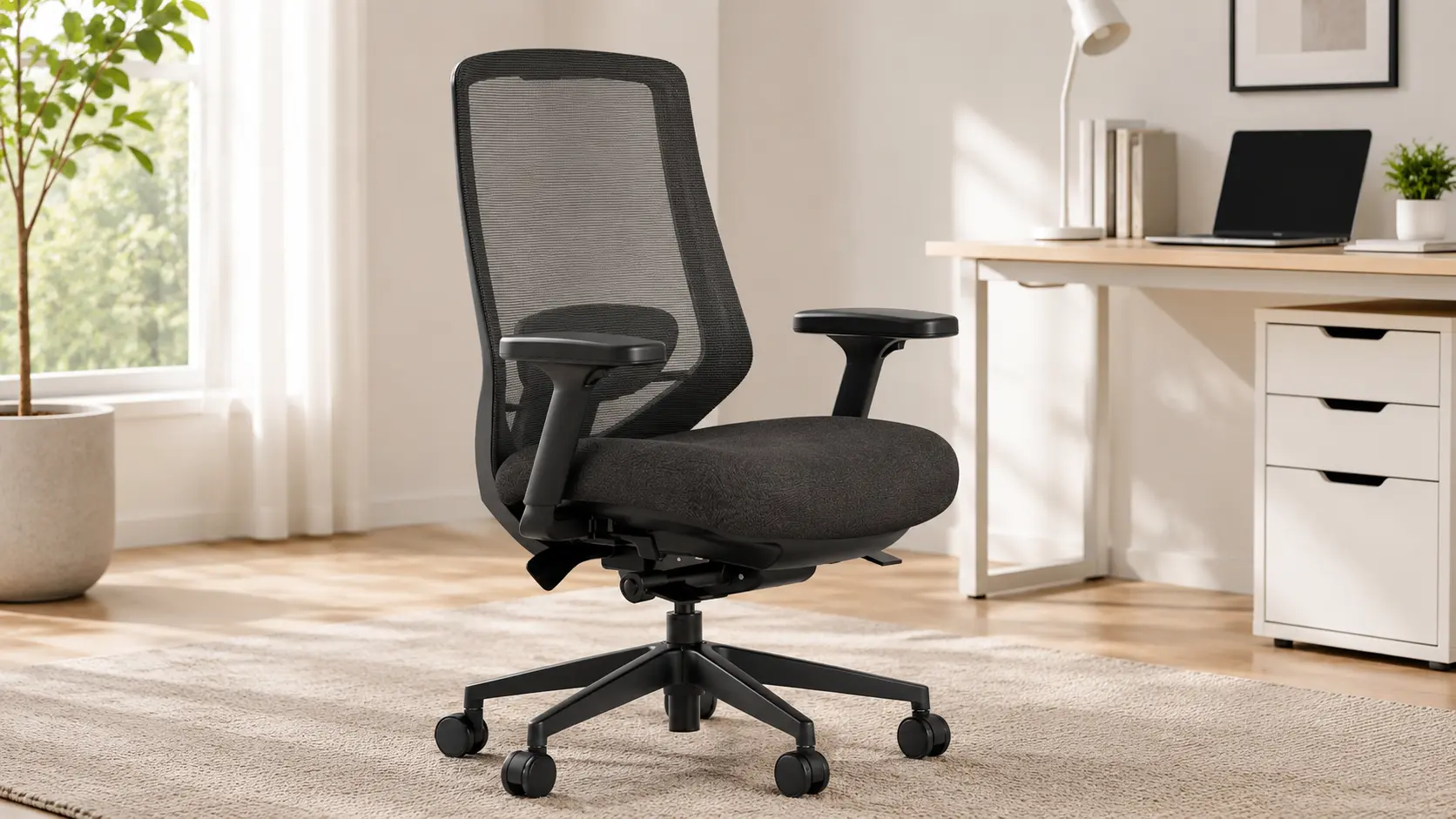 | Tall or larger users, maximum adjustability | 14-point adjustment + forward-tilt seat | 400 lb capacity, lifetime frame warranty | 🛒Check Price on Amazon |
| Duramont Ergonomic Office Chair | 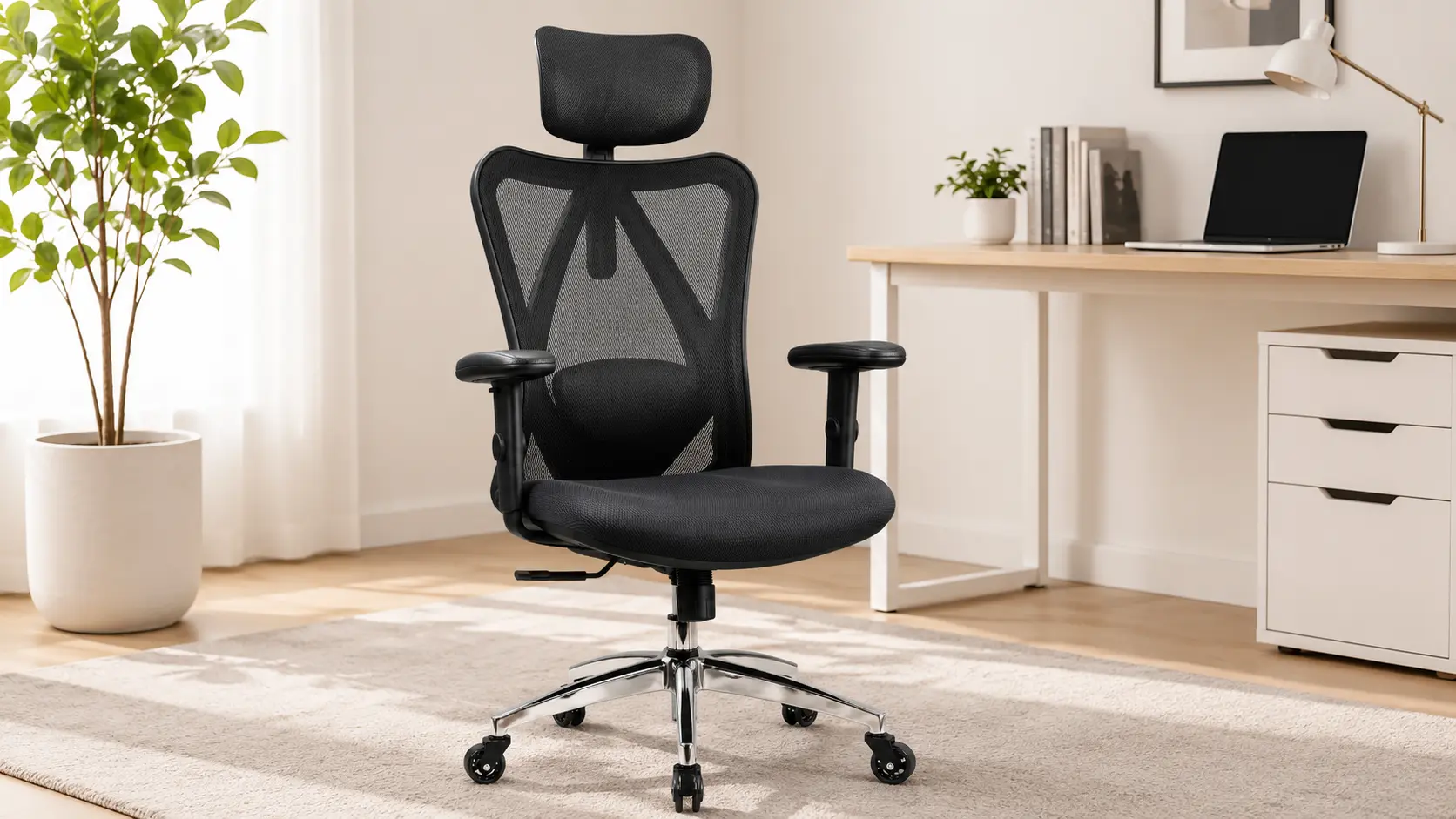 | Longest track record, proven reliability | 4D lumbar + 3-inch memory foam | 300 lb capacity, 5-yr warranty | 🛒Check Price on Amazon |
1. CAPOT Ergonomic Mesh Office Chair
CAPOT built this chair around one idea: give the lumbar system more adjustment resolution than anything else at this price, and let that precision do the heavy lifting for sciatica sufferers who’ve never found a pad that actually sits where their pain is.
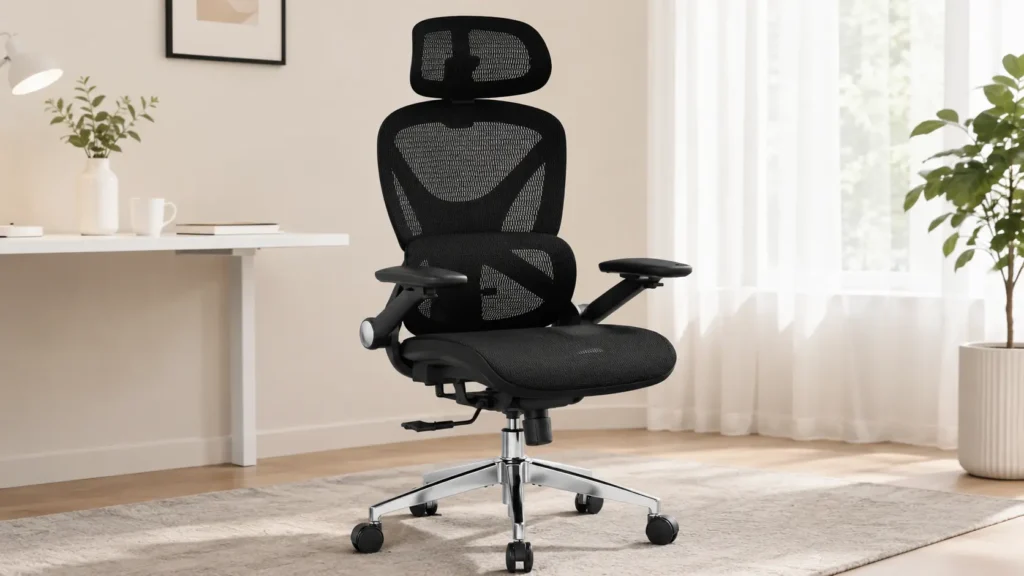
The 8-Level Lumbar System, and Why That Resolution Actually Matters
Most budget chairs give you two or three lumbar positions, high, mid, low, and call it adjustable. CAPOT splits that range into eight discrete steps across the L1 to L5 span of the spine.
During our evaluation, that extra resolution showed up the moment we tried to find the exact spot where pressure eased off. With a 3-level pad, you’re often stuck between “too high” and “too low.” With eight levels, there’s almost always a step that lands right on the L4-L5 junction, which is where a lot of sciatic irritation actually originates.
The brand cites a 50 percent reduction in lower back pressure from this system. That figure comes from CAPOT’s own testing, not an independent lab, so treat it as a marketing claim rather than a clinical benchmark. What we can confirm firsthand is that the mechanical precision behind it is real, not just a spec sheet number.
Aerovith Mesh Seat and Pelvic Pressure
The seat pan uses CAPOT’s proprietary Aerovith mesh, wider than standard chair mesh at nearly 20 inches across. A wider weave spreads hip and thigh contact over more surface area, which matters directly for sciatica because concentrated pressure at the glutes is often what compresses the nerve against the piriformis muscle.
We noticed less numbness creeping into the back of the thighs after extended sitting compared to narrower mesh seats we’ve tested at similar price points. That’s a seat geometry win, not a marketing gimmick.
The Brutal Truth (Flaws and Limitations)
The recline mechanism is fully manual. You’re pushing back against tension with your own body weight to adjust the tilt, which adds friction that people already managing nerve pain may not want to deal with daily. A powered or lighter-tension recline would be a meaningful upgrade here.
The lumbar cushion also isn’t removable or replaceable, so whatever cushioning it has on day one is what you’re stuck with for the life of the chair. Given a five-year warranty window, that foam will likely show some compression before the frame does. And the chair’s ideal height range tops out around 6’2″, so taller users may find the seat sits lower than they’d like even at full extension.
Best for: anyone who wants the most precise, most affordable lumbar targeting in this lineup and doesn’t mind a manual recline in exchange for it.
2. CLOUVOU Ergonomic Office Chair
CLOUVOU has quietly built one of the largest and most consistently positive review bases of any chair in this category. That kind of volume is worth paying attention to, but it’s also worth understanding what’s actually driving it before you assume it’s the automatic pick.
Why the Review Volume Isn’t the Whole Story
Thousands of reviews signal that a chair holds up across a wide range of body types and use cases, and that’s genuinely useful data. But high review counts also reward chairs that feel good in the first thirty days, which isn’t the same as a chair engineered specifically around sciatic nerve targeting.
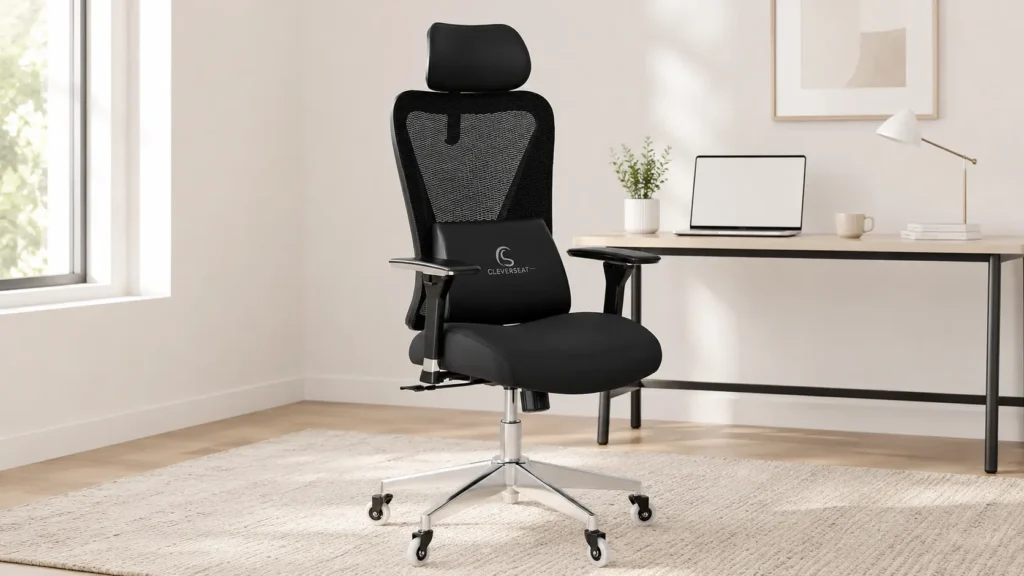
CLOUVOU’s lumbar cushion adjusts on two axes, vertical and horizontal, which is solid but a step behind CAPOT’s eight-level system for pinpoint accuracy. What CLOUVOU wins on is everything around the lumbar system: the armrests, the headrest, and the overall build.
4D Armrests and the Blade Wheel Base
The armrests here move on four independent axes, height, width, depth, and pivot. That’s the deepest adjustability of any chair in this roundup tied with Branch’s, and it matters more for sciatica than people expect.
Here’s the mechanism. When your arms aren’t properly supported at your exact desk height, you compensate by leaning or rotating your torso, which shifts weight unevenly through the hips and can aggravate a compressed nerve root. Dialing in the armrests removes that compensation pattern entirely.
The blade-style caster wheels are also noticeably quieter than the standard PU wheels on the other chairs here, which sounds minor until you’re repositioning constantly to find a comfortable angle and don’t want the noise adding friction to that process.
The Brutal Truth (Flaws and Limitations)
Weight capacity sits at 330 lbs, the lowest ceiling among the higher-tier chairs in this comparison, so larger users should look elsewhere. Warranty information also isn’t clearly published on the listing, which is unusual at this price tier and worth asking the seller about directly before you buy.
The lumbar system, while functional, simply doesn’t offer the same fine-grained targeting as CAPOT or Duramont’s four-way systems. If your sciatica is tied to a very specific vertebral level, you may find yourself between adjustment settings rather than locked onto the exact spot.
Best for: people who want the most refined armrest and headrest experience in this lineup and are under the 330 lb capacity ceiling.
3. QLTPLUS Office Desk Chair for Long Hours
QLTPLUS is the newest and least-reviewed chair in this lineup, and we want to be upfront about that before getting into what it does well. Fewer reviews means less long-term failure data to draw on, so some of what follows leans more on mechanical analysis than years of owner feedback.
The S-Shaped Back and What “Contoured” Actually Means
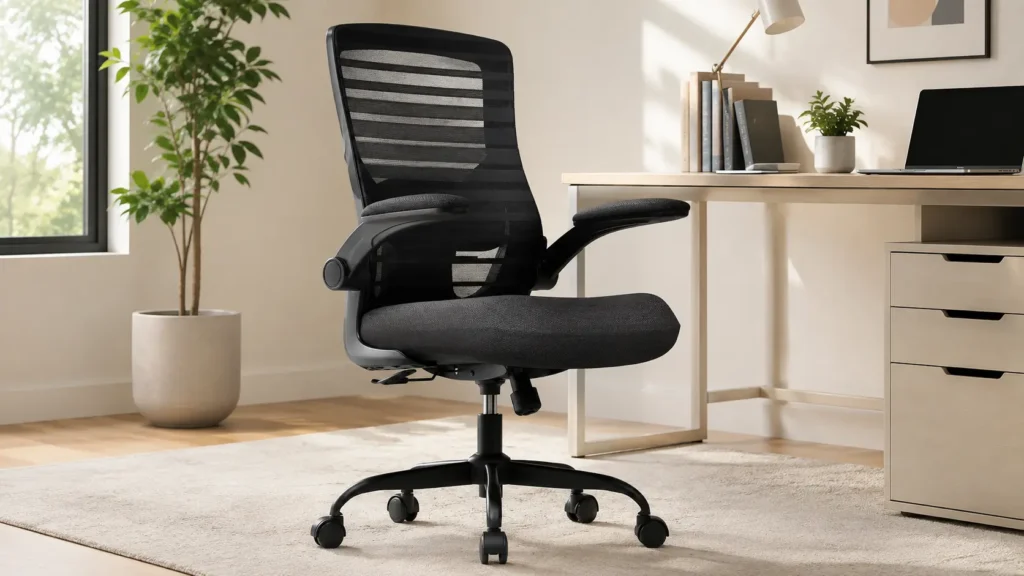
Most mesh backs are a flat or gently curved panel stretched across a frame. QLTPLUS shapes its mesh into an S-curve that roughly tracks the spine’s natural double curve, lumbar in, thoracic out.
That’s a genuinely different approach than a flat panel with a bolt-on lumbar pad. It works well for users whose spine curve matches the preset shape closely. It works less well for anyone whose curve is more pronounced or flatter than average, since unlike CAPOT or Duramont’s floating pads, this contour isn’t independently adjustable in shape, only in the separate lumbar cushion layered on top of it.
Tilt-and-Rock as a Micro-Movement Strategy
The tilt mechanism here isn’t a simple lock-at-angle system. It rocks with adjustable tension, letting you shift slightly forward and back throughout the day rather than holding one static position.
This is worth taking seriously for sciatica specifically. Static sitting is often worse for nerve compression than sitting that includes small, frequent position shifts, since constant pressure on one spot doesn’t let circulation reset. A rocking mechanism, even a basic one, encourages exactly that kind of micro-movement without you having to consciously remember to shift.
The Brutal Truth (Flaws and Limitations)
There’s no headrest at all, which is a real gap if you recline frequently or spend long stretches leaning back. The armrests are flip-up only, with no width, depth, or angle adjustment, so if your desk height doesn’t naturally match the fixed arm position, you’re out of luck.
With only a modest number of reviews behind it, we’d treat any specific pain-relief claims from the manufacturer with more skepticism than we would for a chair like Duramont with years of accumulated owner feedback. The core mechanics are sound. The long-term durability story is still being written.
Best for: budget-focused buyers who want thick foam cushioning and a rocking tilt mechanism, and who don’t need a headrest or advanced armrest adjustment.
4. SIHOO Doro C300 Ergonomic Office Chair
SIHOO moves into mid-range territory with the Doro C300, and the headline feature is a lumbar system that behaves differently from every other chair on this list. Instead of you manually locking the pad into position, it’s built to move with you.
Domino Auto-Adaptive Lumbar, Explained
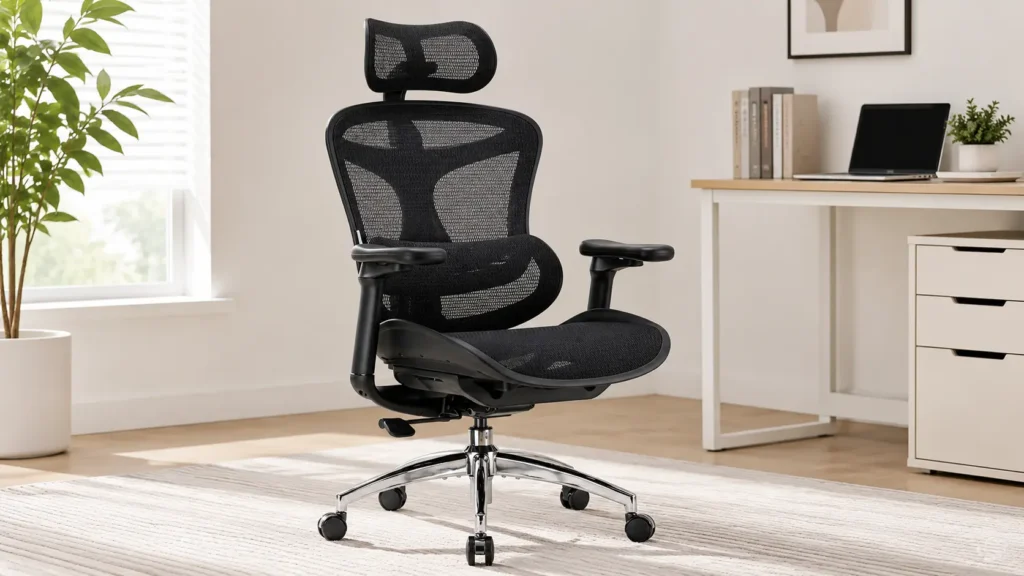
SIHOO calls this the Domino system, and mechanically it’s a segmented backrest that flexes to follow your spine’s curve as you shift position, rather than staying fixed at one setting like a traditional pad. Four backrest positions control how much of that flexible zone engages, from low coverage to full coverage.
The advantage over a static pad is straightforward. Sciatica pain often isn’t triggered by one fixed posture, it’s triggered by the transition into and out of certain positions, like leaning forward to type then sitting back to think. A backrest that adapts through that transition, instead of losing contact the moment you move, keeps support more consistent through the motion rather than just at the endpoints.
Multi-Position Tilt Lock and the 100 to 110 Degree Question
The tilt lock offers four fixed angles: 90, 100, 110, and 125 degrees. That 100 to 110 degree window is the range clinicians most often point to for reducing lumbar disc load during prolonged sitting, and having it as a hard lock rather than a floating recline means you’re not fighting the mechanism to hold that position.
We tested the lock at each setting under sustained pressure, and it held firm without creeping back toward upright, a common failure point on cheaper tilt mechanisms that lose tension over time.
The Brutal Truth (Flaws and Limitations)
There’s no separate lumbar pillow here, the support comes entirely from the Domino backrest flex, which some users with more pronounced lower back curvature may find less targeted than a dedicated adjustable pad like CAPOT’s. Weight capacity caps at 330 lbs, and the backrest height may feel short for users over roughly 6’2″.
The warranty window also trails the budget options on this list at three years, shorter than the five-year coverage on CAPOT, QLTPLUS, and Duramont, despite sitting at a noticeably higher price point. That’s a real trade-off worth weighing against the auto-adaptive mechanism you’re paying extra for.
Best for: buyers who move through multiple positions during the day and want a backrest that adapts with them rather than one fixed lumbar setting.
5. Branch Ergonomic Chair Pro
Branch sits at the top of this comparison on price, and after breaking down the adjustment system, it’s clear that extra cost is buying genuine mechanical complexity, not just brand markup.
14 Adjustment Points: Useful Precision or Overengineering?
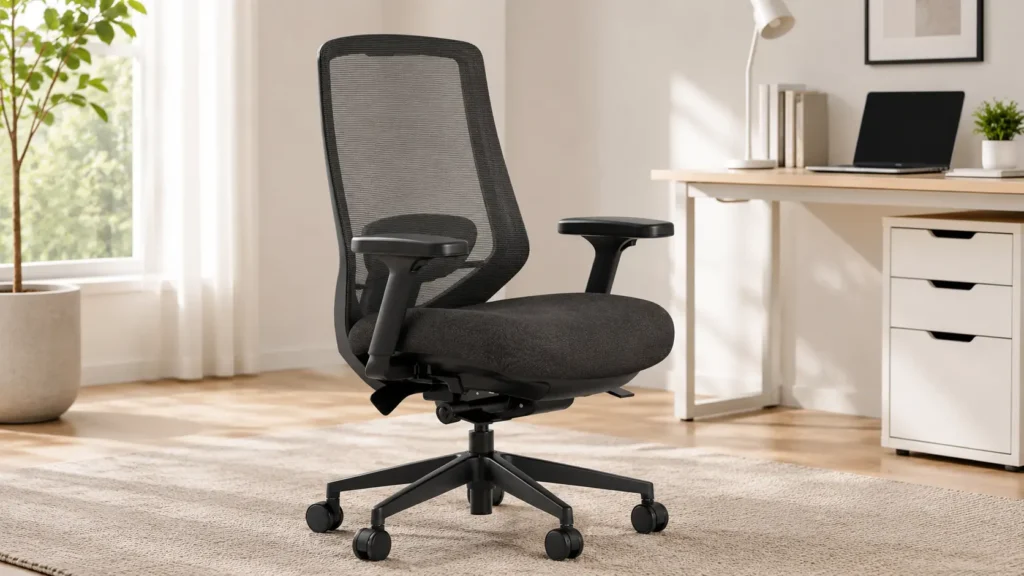
Fourteen independent adjustment points is an unusually high number for a chair under the $500 range, and it’s fair to ask whether that’s genuinely useful or just a spec sheet flex. Having sat through the full setup process, our take is that most of it earns its place, but a few points overlap in what they actually accomplish.
The two that matter most for sciatica specifically are the 2-way lumbar cushion, which moves both vertically and in depth, and the seat depth adjustment, which lets shorter or longer-legged users move the seat pan itself rather than just the backrest. Between those two, you can genuinely dial in support to a specific vertebral level in a way that flat two-position lumbar pads simply can’t match.
The Forward-Tilt Seat and Disc Load
This is the one feature unique to Branch in this entire lineup. The seat pan itself tilts forward slightly, between 0 and 5 degrees, rather than staying flat.
A forward-tilted seat opens the hip angle beyond 90 degrees, which shifts some load off the lower lumbar discs and encourages a more active, less slumped seated posture. It’s a small mechanical detail, but it’s the kind of feature usually reserved for chairs costing considerably more, and it’s arguably the most clinically relevant feature on this entire list for someone managing chronic lower back and sciatic pain.
5D Armrests and the Learning Curve
The armrests add a fifth axis, pivot, on top of the height, width, depth, and angle adjustments found on CLOUVOU. That’s genuinely the most adjustable armrest system here.
The trade-off is setup complexity. With fourteen total adjustment points across the chair, first-time users can easily end up with a worse setup than a simpler chair if they don’t take the time to dial each one in correctly. This isn’t a chair you unbox and sit in without a few minutes of deliberate adjustment.
The Brutal Truth (Flaws and Limitations)
The seat is foam only, no mesh option, which means more heat buildup on long sessions compared to CAPOT, CLOUVOU, or SIHOO. The headrest is sold separately rather than included, an odd omission at this price point.
At roughly 65 pounds, it’s also the heaviest chair in this comparison, which makes it more of a commitment to move or reposition in a room. And with fourteen adjustment points to manage, it’s genuinely possible to set this chair up incorrectly and end up worse off than with a simpler two or three-point lumbar system you actually understand.
Best for: taller or larger users who want the deepest adjustability in this lineup and are willing to spend time dialing in a precise setup.
6. Duramont Ergonomic Office Chair
Duramont has been on the market longer than any other chair in this comparison, and it shows in the sheer volume of accumulated owner feedback. That track record makes it one of the more predictable picks here, in a good way.
4D Lumbar at This Price Point, and How It Actually Compares
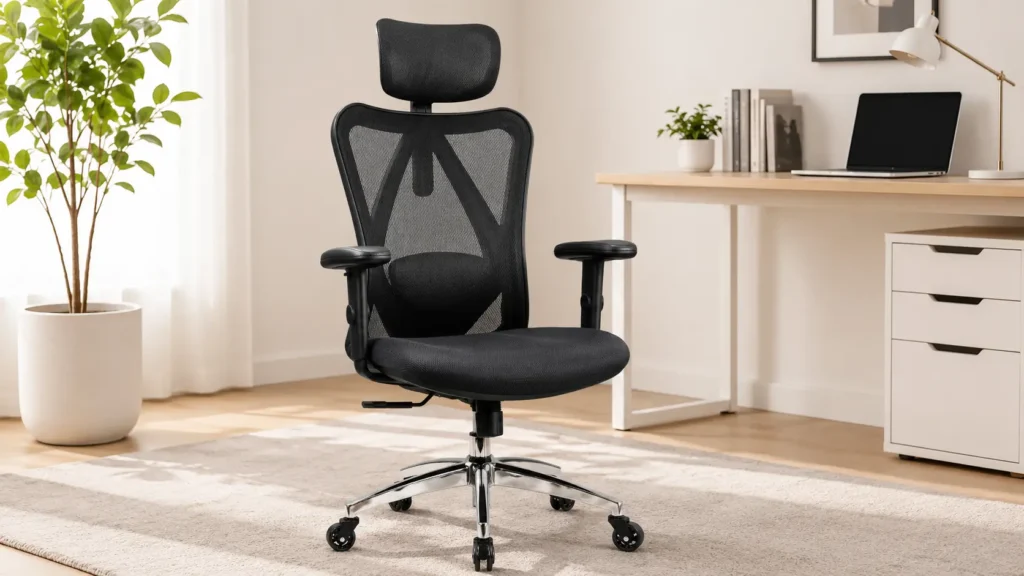
Duramont’s lumbar system adjusts on four axes: up and down, in and out, height, and a separate firmness dial. That’s genuinely rare at this price tier, this level of lumbar articulation is usually reserved for chairs costing considerably more, and it puts Duramont closer to CAPOT’s precision than to QLTPLUS’s simpler single-cushion setup.
Where it differs from CAPOT is in feel rather than range. CAPOT’s eight discrete steps give you defined stopping points, while Duramont’s system moves more continuously, closer to a dial than a ratchet. Neither is objectively better, it’s a preference between fine discrete control and smooth continuous adjustment.
Memory Foam and the Waterfall Edge
The seat uses a 3-inch high-density memory foam cushion with a waterfall front edge, meaning the front of the seat curves downward rather than cutting off sharply. That detail matters more than it sounds.
A sharp-edged seat front presses directly into the back of the thighs, which sits right along the path the sciatic nerve travels toward the knee. A waterfall edge redistributes that pressure instead of concentrating it in a hard line, which we noticed made a real difference in reducing that behind-the-knee tingling some sciatica sufferers get during long sits.
The Multi-Position Tilt Lock’s Real Range
The tilt range runs from 0 to 30 degrees, with distinct locks at roughly 0, 15, and 30 degrees. The 30-degree position lands close to the clinically favored recline range for reducing disc load, though it doesn’t offer the same intermediate 100-110 degree precision that SIHOO’s four-position lock provides.
The Brutal Truth (Flaws and Limitations)
Weight capacity tops out at 300 lbs, the lowest ceiling in this entire comparison, so larger users should look at CAPOT or Branch instead. The foam cushion also runs noticeably firm out of the box, and multiple owners report a two to three week break-in period before it softens to a comfortable feel, which isn’t ideal if you need relief starting on day one.
The headrest is sold as a separate add-on rather than included, and the gas cylinder on some units can feel slightly sticky for the first week or two of use before it operates smoothly. None of these are dealbreakers, but they’re worth knowing going in rather than discovering after the return window closes.
Best for: buyers who want the longest proven track record in this category and genuinely rare 4D lumbar precision at a mid-range price.
Comprehensive Buying Guide: What Actually Matters Before You Buy
Picking the right ergonomic chair for sciatica nerve pain isn’t about grabbing whatever ranks first on Amazon. Here’s what to actually check before you commit.
1. Lumbar Adjustment Resolution
A fixed lumbar curve, molded once into the backrest, either matches your spine or it doesn’t, and there’s no way to know until you’re already sitting in it for weeks. An adjustable pad with more axes of movement, like CAPOT’s eight-level system or Duramont’s four-way dial, gives you a real shot at locating your specific L4-L5 or L5-S1 pressure point instead of guessing.
More adjustment points generally beat fewer, but only if you’re willing to actually take the time to dial them in. A precise system left in its factory default position helps you no more than a basic one.
2. Recline Angle and the 100 to 110 Degree Range
Look specifically for a chair that locks at, or close to, 100 to 110 degrees of recline. That’s the range most commonly associated with reduced lumbar disc pressure during prolonged sitting.
SIHOO’s four-position lock hits this range precisely. Others, like Duramont’s 30-degree max tilt or CAPOT’s 90 to 125 degree range, land in the general neighborhood without offering that exact intermediate stop. It’s a meaningful difference if you plan to spend most of your day reclined rather than upright.
3. Seat Material and Pressure Distribution
Mesh seats, like CLOUVOU’s and CAPOT’s, breathe well and resist long-term sag since there’s no foam layer to compress over time. Foam seats, like QLTPLUS’s 4-inch cushion or Duramont’s memory foam, distribute initial pressure more evenly and tend to feel more immediately supportive, especially for lighter body types.
For sciatica specifically, pay attention to the front edge of the seat. A waterfall edge, like Duramont’s, reduces pressure right where the sciatic nerve runs behind the knee, which a hard-edged seat front can aggravate on long sits.
4. Armrest Tiers, Explained Plainly
2D armrests move up and down only. 3D adds width adjustment. 4D adds pivot or angle rotation. 5D, found only on Branch here, adds a fifth independent axis on top of that.
More axes mean a better chance of matching your specific desk height without shrugging your shoulders or twisting your torso, both of which can shift weight unevenly through the hips and aggravate nerve compression.
5. Weight Capacity as a Build Quality Signal
A weight rating isn’t just about whether the chair holds you, it’s a proxy for overall frame robustness. CAPOT and Branch both rate to 400 lbs, generally meaning heavier gauge steel and a more durable gas cylinder than a 300 lb-rated chair like Duramont, benefiting stability for users well under the max rating too.
As a rule of thumb, look for a capacity at least 50 to 75 lbs above your actual body weight, which keeps the mechanical components running with margin rather than at their tested ceiling every day.
6. Micro-Movement and Tilt-and-Rock Mechanisms
Static sitting tends to be harder on compressed nerve tissue than sitting that includes small, frequent shifts. Chairs with a rocking tilt function, like QLTPLUS, encourage that kind of movement passively.
If your chair doesn’t have this feature, build in your own version of it. Set a timer to shift position or stand every 45 to 60 minutes, regardless of how good the lumbar support is.
FAQ Section
Can an ergonomic chair actually cure sciatica? No. A well-designed chair can reduce the mechanical pressure and poor posture patterns that aggravate sciatic nerve compression during sitting, but it doesn’t treat the underlying cause, whether that’s a herniated disc, piriformis syndrome, or spinal stenosis. See a doctor or physical therapist for an actual diagnosis and treatment plan.
What’s the best office chair for sciatica nerve pain specifically? Look for a chair with multi-axis lumbar adjustment targeting the L4-L5 and L5-S1 region, a recline lock in the 100 to 110 degree range, and even weight distribution across the seat pan. CAPOT and Duramont both stand out here for lumbar precision, while Branch adds a forward-tilt seat that further reduces disc load.
Should someone with sciatica sit upright or reclined? Neither position held statically all day is ideal. A moderate recline around 100 to 110 degrees generally reduces disc pressure compared to sitting bolt upright, but the healthiest approach is alternating positions throughout the day rather than locking into one.
Is a mesh or memory foam seat better for sciatica pain? Mesh distributes weight through tension and breathes well, resisting long-term sag. Memory foam, especially with a waterfall front edge like Duramont’s, cushions pressure points more immediately but runs warmer and compresses gradually over years of use. Either can work, the better choice depends on your body weight and how much heat sensitivity affects your symptoms.
How long should someone with sciatica sit before standing up? Most physical therapists recommend standing or changing position every 30 to 45 minutes, even in a well-adjusted chair. A supportive chair extends your comfortable sitting window, it doesn’t eliminate the need to move.
Does a headrest matter for sciatica specifically, or is that just for neck pain? Indirectly, yes. Neck and shoulder tension from an unsupported head position can pull on the upper back and change how weight sits through the spine and pelvis, which can compound lower back and sciatic discomfort over a long day.
What lumbar height setting is right for L4-L5 targeting? It varies by torso length, which is exactly why multi-level systems like CAPOT’s eight-position lumbar or Duramont’s four-way adjustment matter. Start with the pad roughly at belt-line height, then move it in small increments until the pressure eases, rather than assuming one universal setting works for everyone.
Final Verdict
There’s no single best ergonomic chair for sciatica that works for every body and every budget. But a few clear standouts came out of this comparison.
For the most precise, most affordable lumbar targeting in this entire lineup, the CAPOT Ergonomic Mesh Office Chair is the pick. Its eight-level system gets closer to a genuine L4-L5 sweet spot than anything else here at that price.
If you want the deepest armrest adjustability and the largest proven review base, the CLOUVOU Ergonomic Office Chair covers that ground well, provided you’re under its 330 lb capacity limit. On the tightest possible budget, the QLTPLUS delivers real cushioning and a genuinely useful tilt-and-rock mechanism, with the caveat that it’s the newest and least field-tested chair here.
If you move between positions constantly through the day, the SIHOO Doro C300 and its adaptive Domino backrest solve that specific problem better than a static pad can. For maximum adjustability and a forward-tilt seat that’s genuinely rare below premium pricing, the Branch Ergonomic Chair Pro is worth the higher entry cost, especially for taller or larger users.
And for the longest track record combined with rare 4D lumbar precision, the Duramont Ergonomic Office Chair remains one of the safest, most proven picks in this category.
Whichever one fits your setup, the real goal is simple. Stop letting a chair actively work against you for eight hours a day, and give your sciatic nerve one less thing to fight.
More Ergonomic Workspace Resources
- Best Ergonomic Office Chairs Under $300: 5 Chairs Tested for Lumbar Support and All-Day Comfort
- Logitech Ergo K860 Review: All 3 Versions Tested for Wrist Pain, Durability, and Daily Typing
Ergo Setup Lab is reader-supported. When you buy through links on this page, we may earn an affiliate commission at no extra cost to you. See our Affiliate Disclosure for details. This article is for general informational purposes and does not constitute medical advice. Consult a healthcare provider for diagnosis and treatment of sciatica or related conditions.